
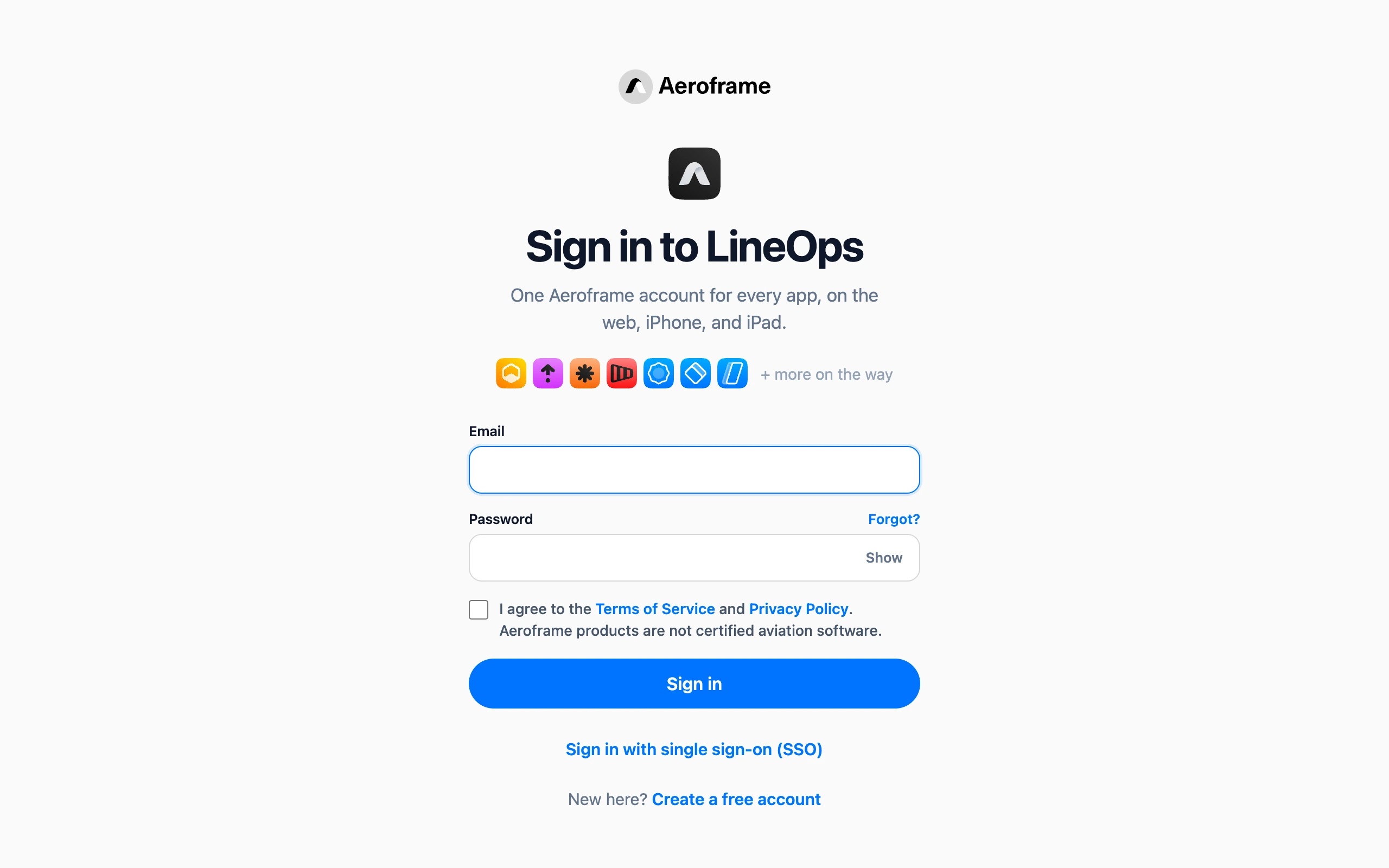
Sign in at /login with your email and password, and check the box to agree to the Terms of Service and Privacy Policy. After too many failed attempts you will be asked to wait before trying again.
If you have two-factor sign-in on, the next step asks for your code or passkey. See Two-factor sign-in. If your organization uses an identity provider, choose Sign in with single sign-on (SSO). See Single sign-on.
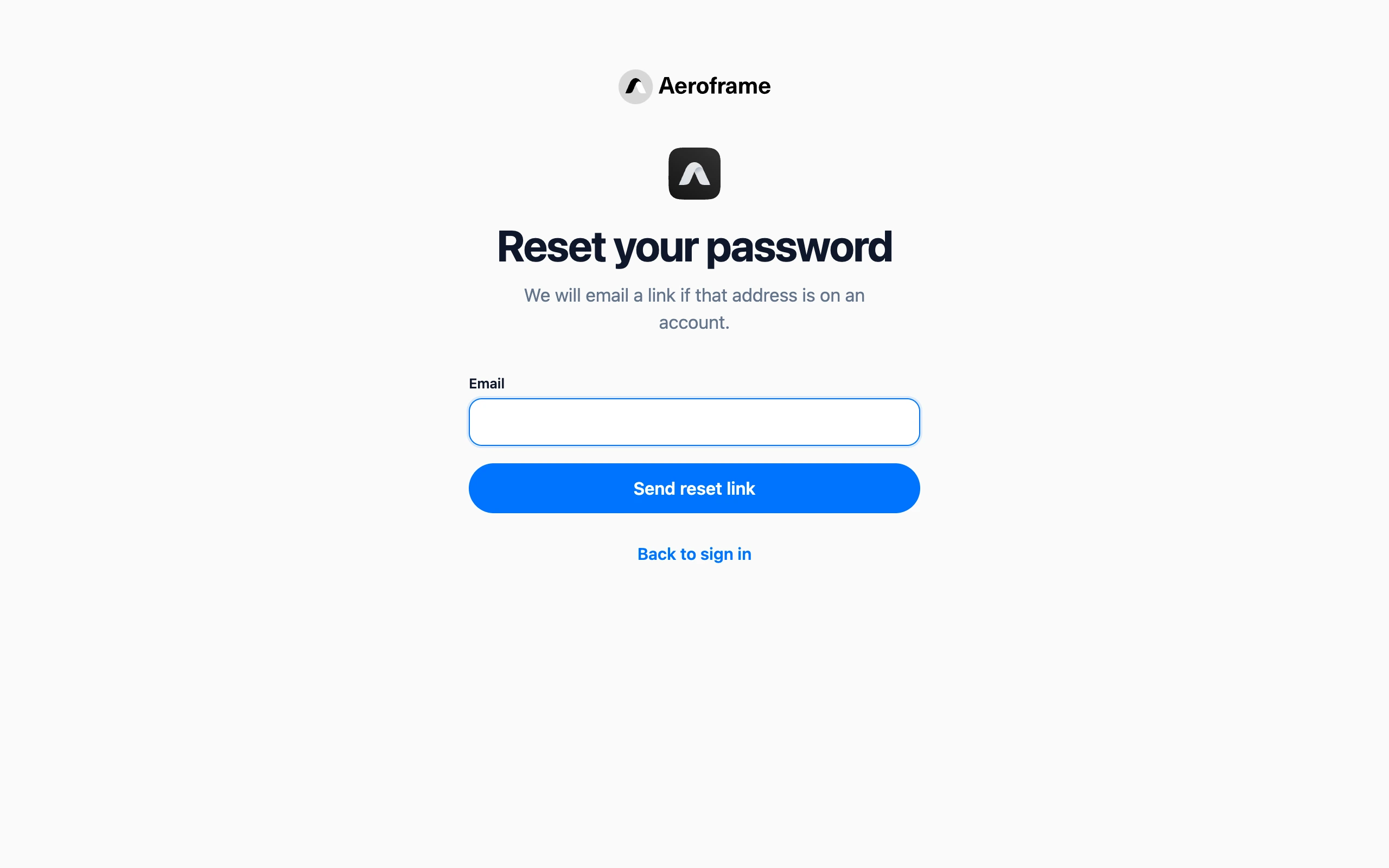
If you forgot your password, choose Forgot password, enter your email, and follow the link we send you. Changing your password signs you out of Aeroframe apps on your other devices.