
Go to sign-up and choose how you will use Aeroframe:
- For a shop — for an FBO, flight department, or line operation. Choose Set up a shop, enter the shop name, your name, email, and a password. You become the owner and can add people. Free for up to 3 people. Address and billing can wait.
- Just you — a free personal account. Join a shop later with an invite code, or stay solo. You do not get admin tools of your own.
One account works for LineOps and every Aeroframe app in it, on the web, in Uplift Fuel, and in the LineOps apps for iPhone, iPad, Apple Watch, and Apple TV. Sign in to the app with the same email to use it on the ramp.
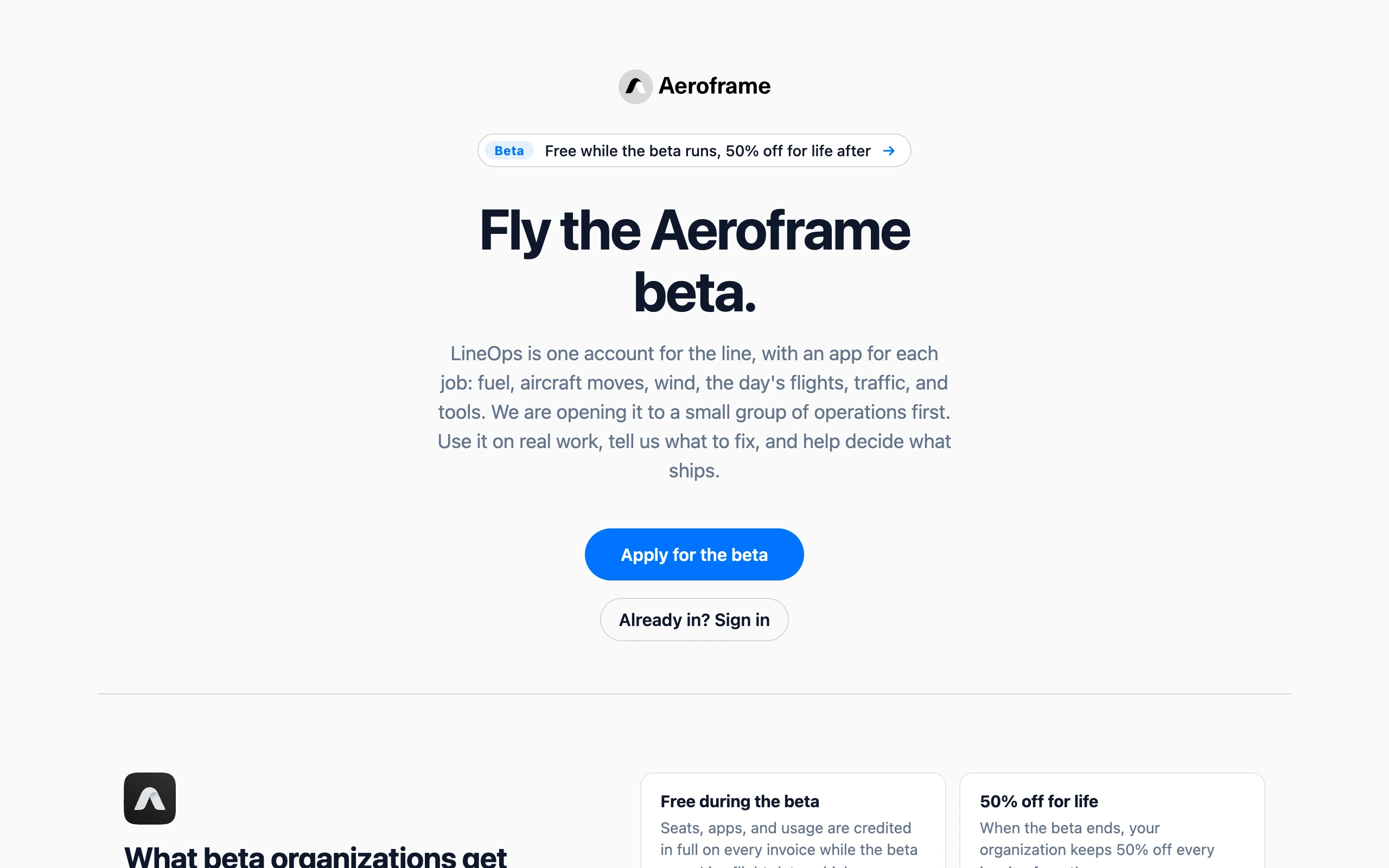
While Aeroframe is in beta, new accounts are by invitation, so sign-up takes you to the beta application instead. See Join the Aeroframe beta.