
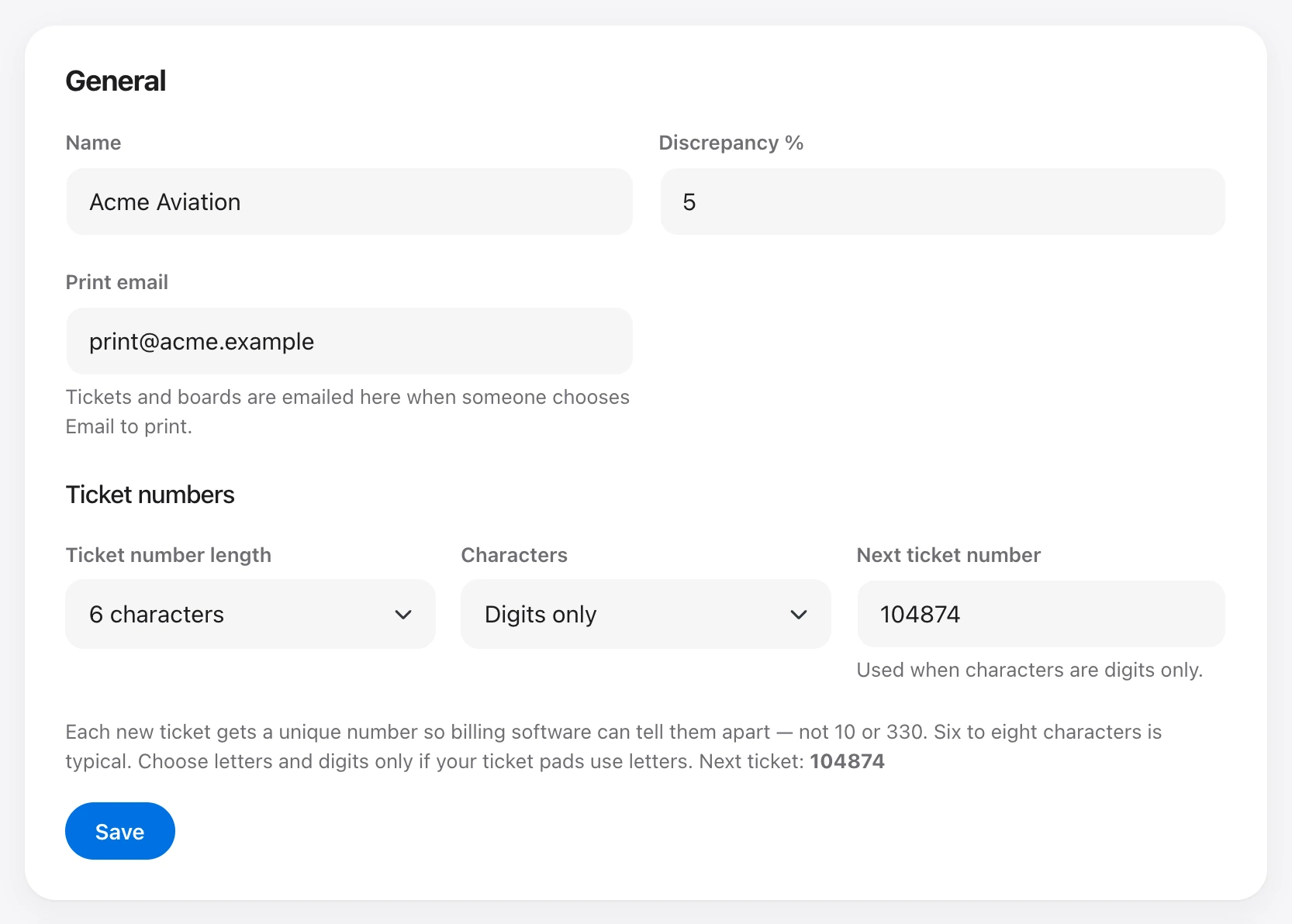
Each new ticket gets a unique number so billing software can tell them apart. Under Organization → Settings, choose a length of 6, 7, or 8 characters, and whether numbers are digits only or letters and digits.
With digits only, set Next ticket number. Leave the number blank on a new ticket and Uplift uses that next value. With letters and digits, blank tickets get a unique mix. You can still type a number, as long as it is unique in the organization and fits the length.