
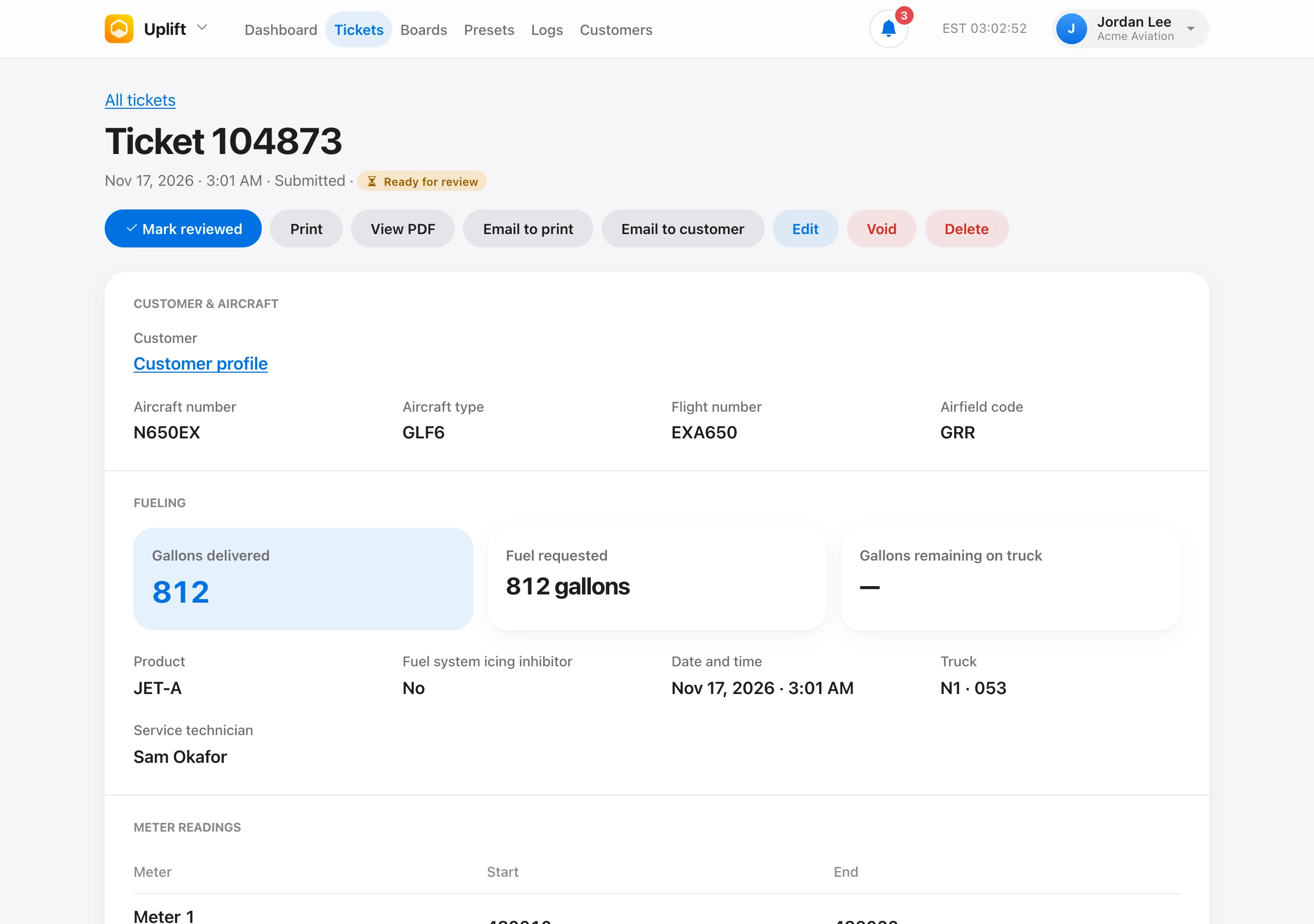
On a ticket, Print opens the paper slip and View PDF opens the same layout as a file.
Email to print sends the ticket to the organization print email, with the slip in the message and a PDF attached. Set that address under Organization → Settings. Until it is set, people who manage settings see a link to add it.
Email to customer sends a copy to the customer on the ticket. It is available when the ticket is still active, it is linked to a profile, and your role includes Email customers. If it was already sent, the button asks before sending again.