
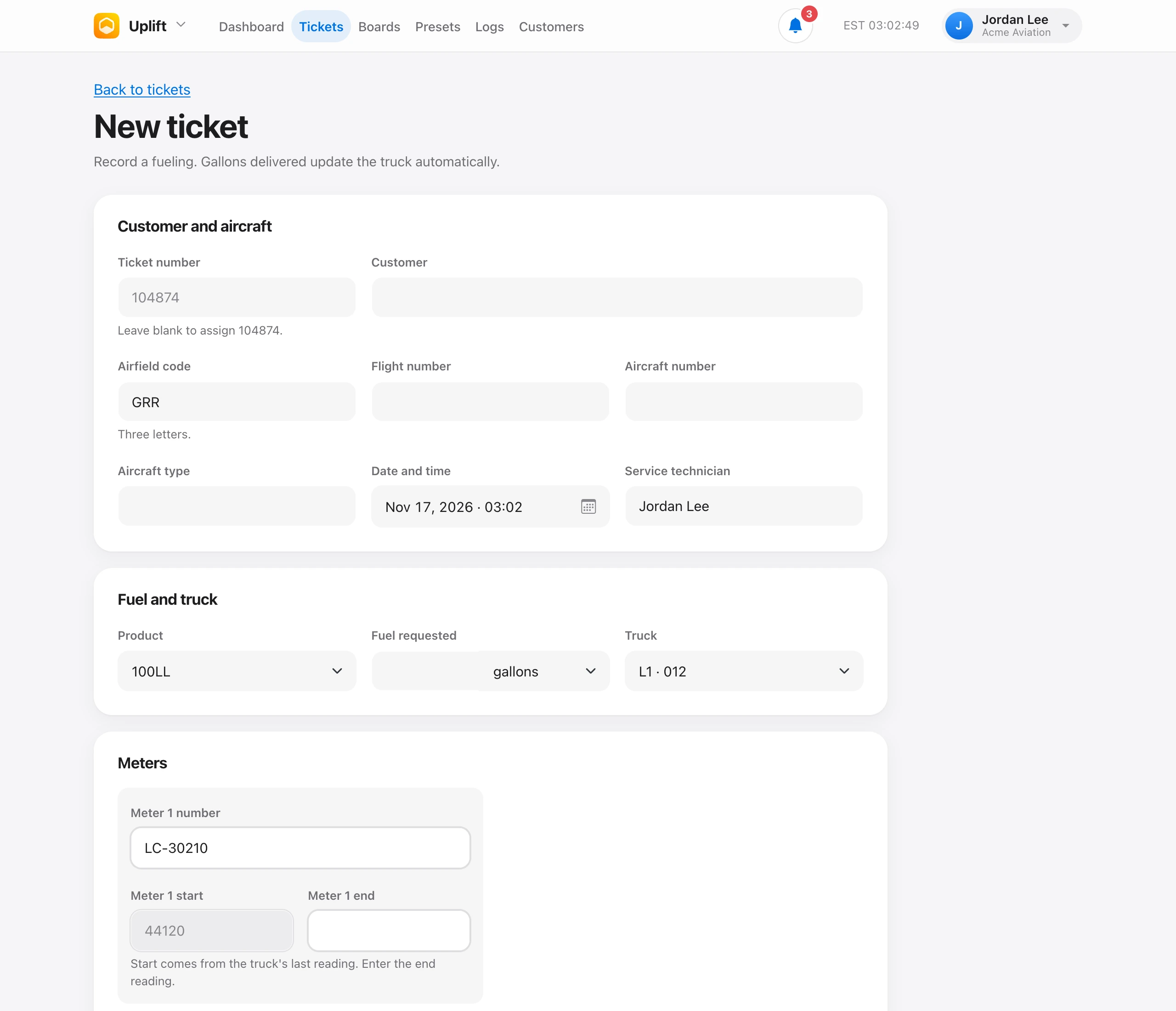
Open Tickets and choose New ticket. You need a truck first. Add one on Boards if the list is empty.
A ticket records the customer, airfield, flight number, aircraft number and type, date and time, product, fuel requested, truck, technician, meter readings, gallons delivered, icing inhibitor (Jet-A only), customer signature, transaction number, and rewards numbers. Leave the ticket number blank and Uplift assigns the next one.
Fuel requested can be gallons, pounds, kilograms, liters, gallons per side, a top-off, or a panel set. Top-off and panel set do not take an amount. Saving the ticket updates the truck gallons.
You need the Write tickets permission. Tech, Admin, and Owner have it by default. Each new ticket starts as Ready for review. See Review fuel and deice tickets.