
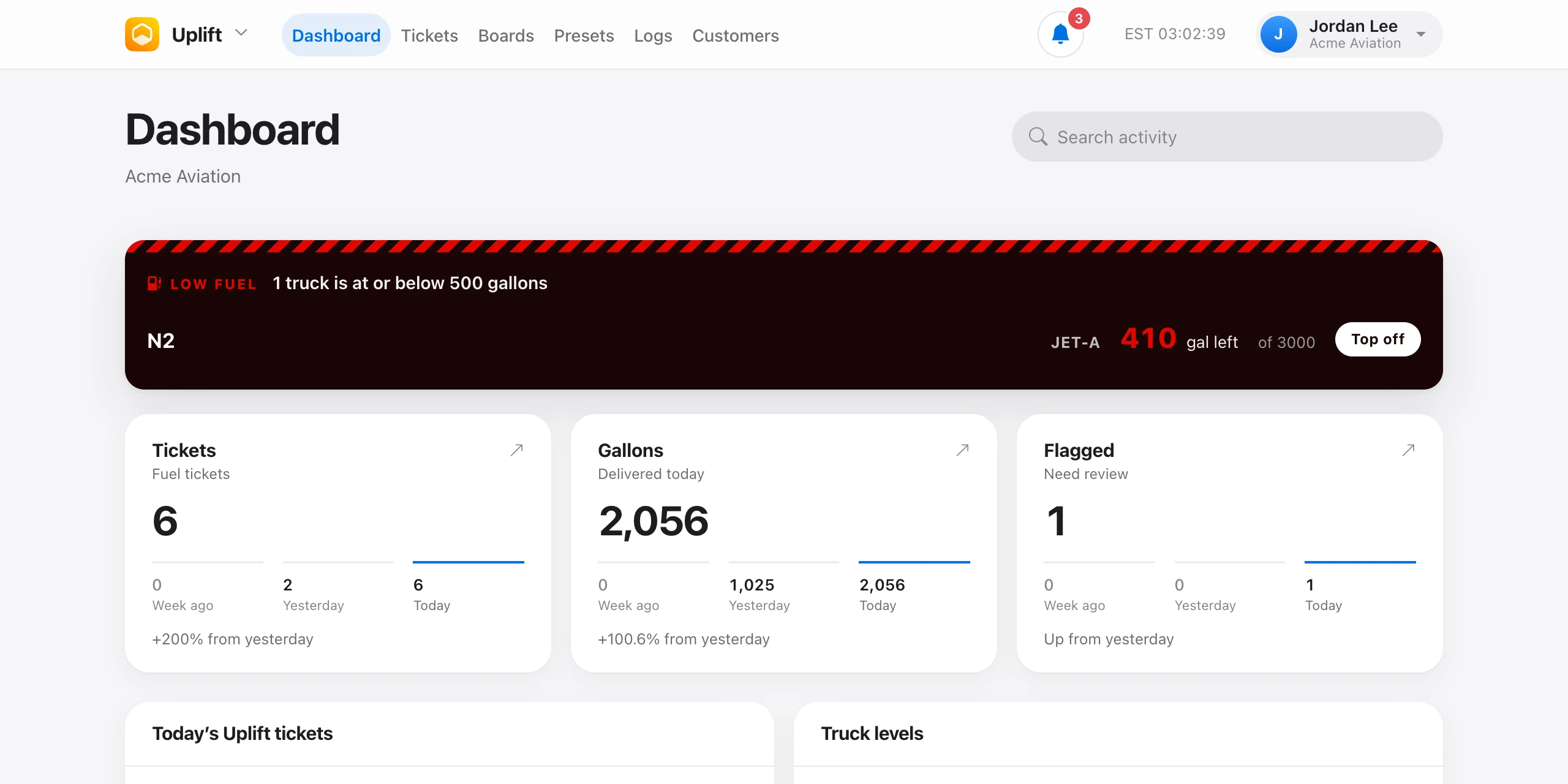
After you sign in you land on the Dashboard. The top bar has Dashboard, Tickets, Boards, and Presets. Logs appears for people who can see the shop fuel logs. Customers appears once you are in an organization. The bell opens your notifications.
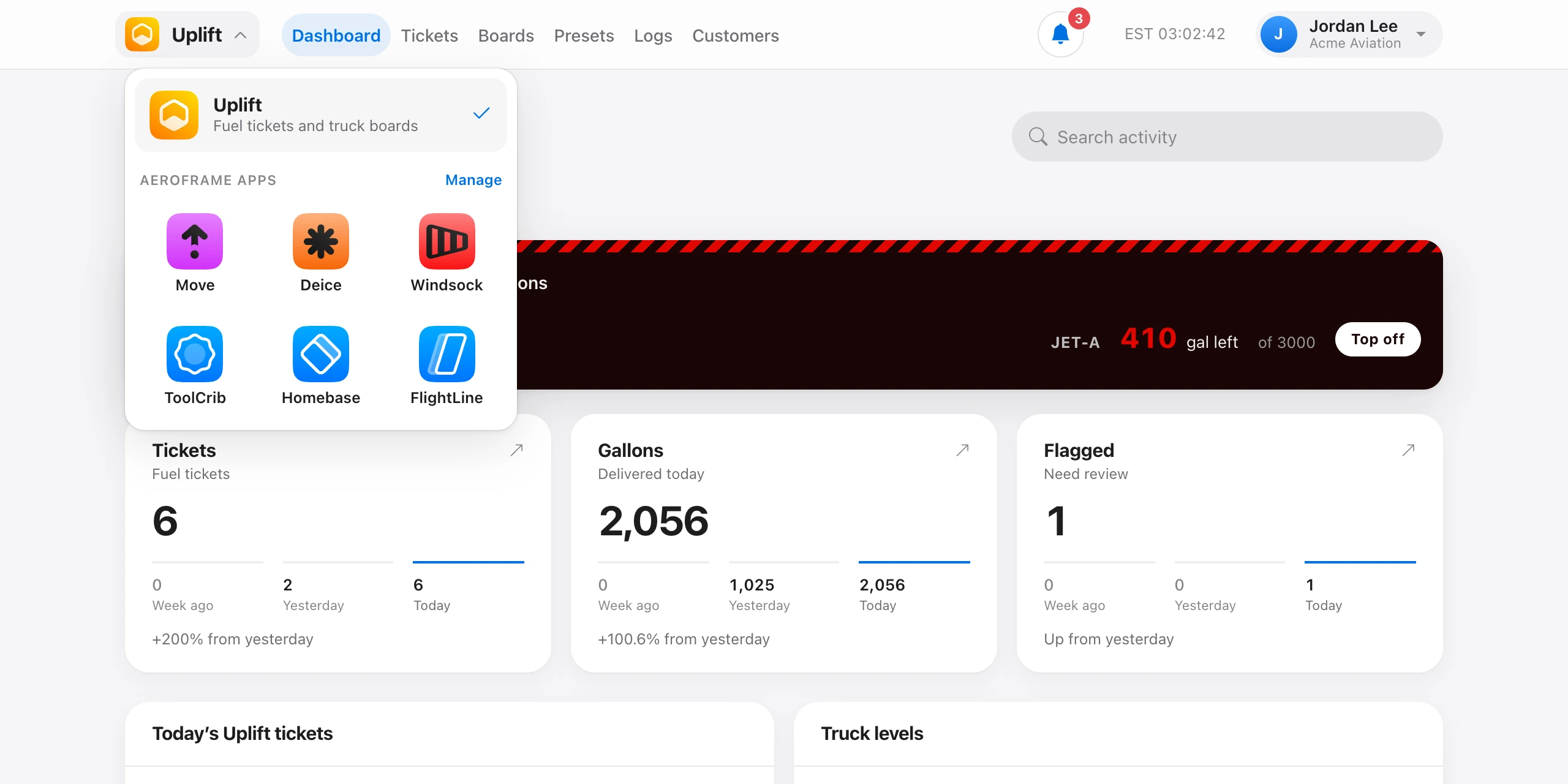
The app icon at the top left opens Aeroframe apps: Uplift and every other app, so you can jump between them. Apps your organization has not added are marked Not added, and apps you have not been given are marked No access. Manage opens Organization → Apps.
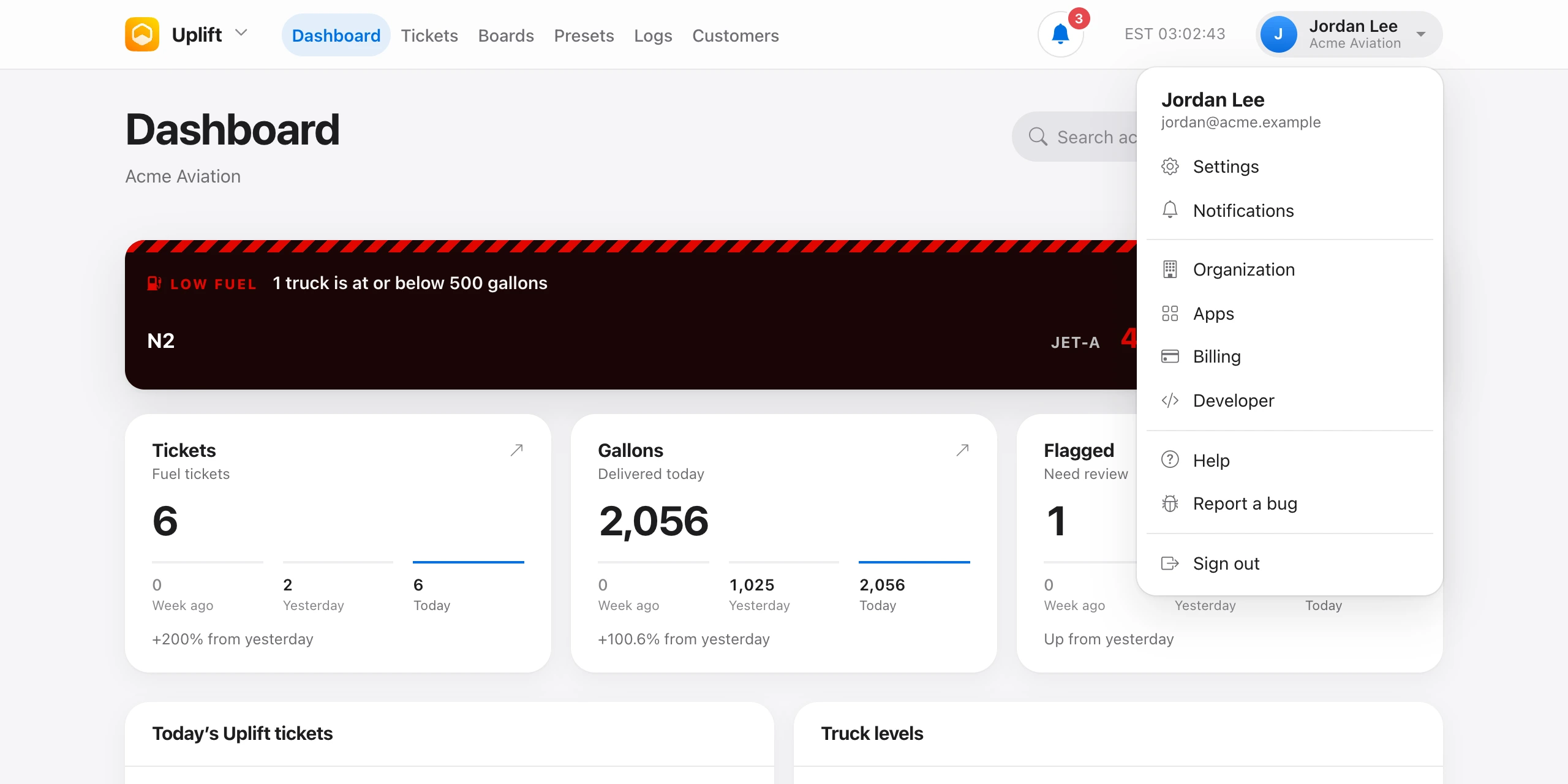
The clock on the right cycles through your time, UTC, and Zulu when you click it. The account menu has Settings, Notifications, Organization, Apps, Billing (owners), a switcher when you belong to more than one organization, and Sign out.
If you are not in an organization yet, the dashboard asks you to join with an invite code. Organization accounts can also create one.
Beta testers and beta organizations also see a slim yellow banner with a link to send feedback.