
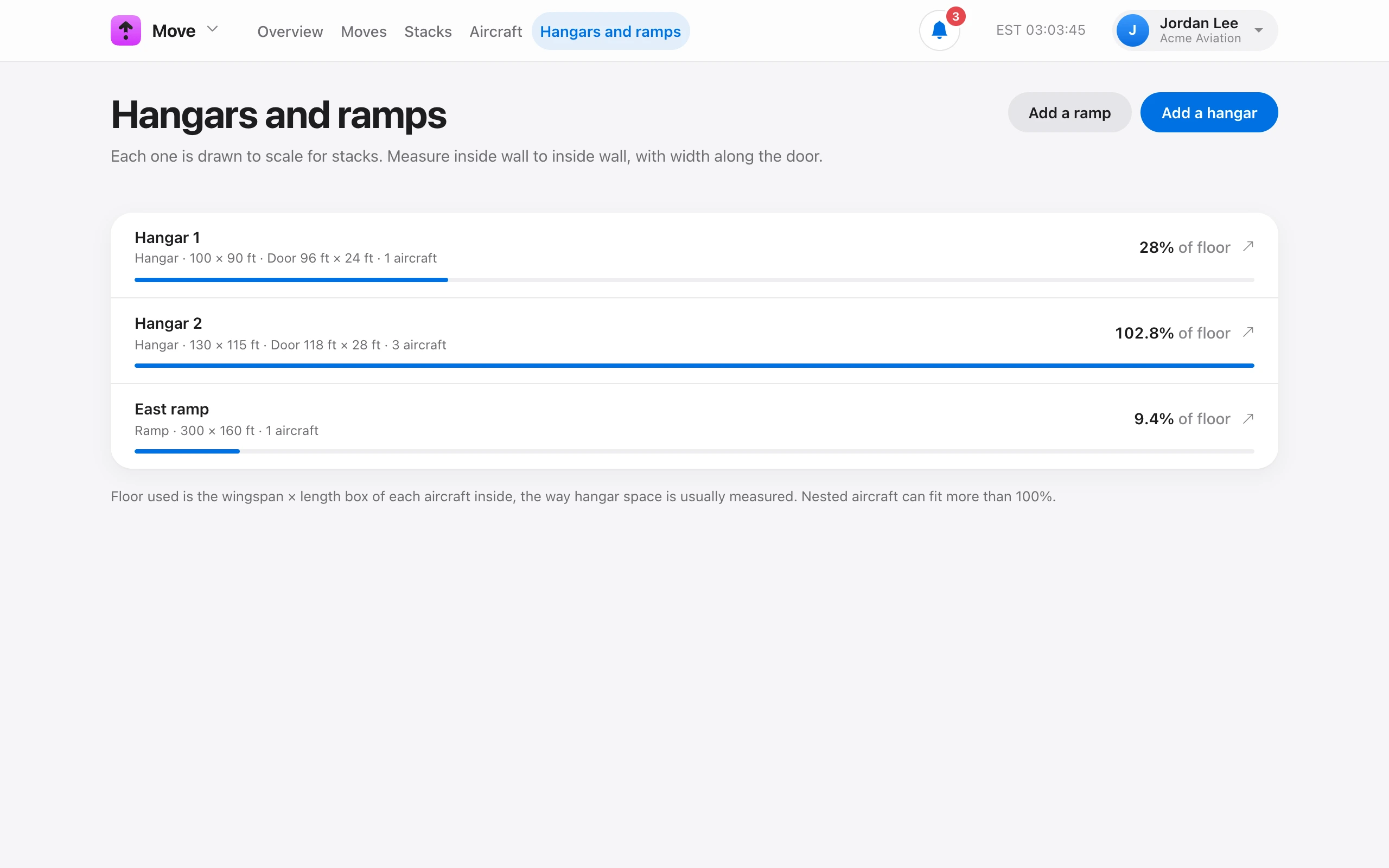
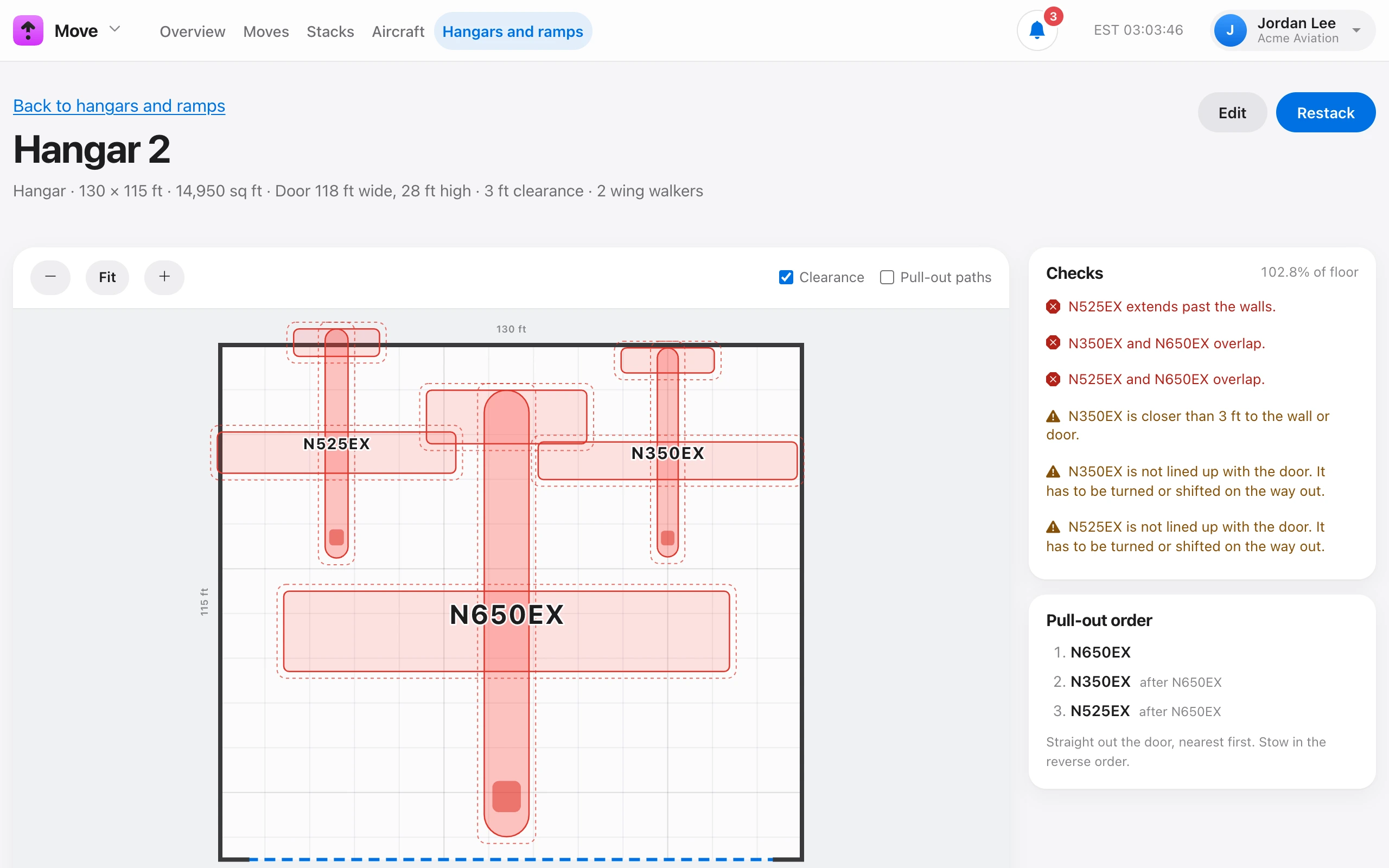
On Move → Hangars and ramps, choose Add a hangar or ramp. Stacks are drawn and checked to these measurements, so measure inside wall to inside wall. Width runs along the door wall, and depth runs from the door to the back wall.
- Door (hangars only) — the clear opening width with the door fully open, the clear height at its lowest point, and how far the door’s left edge is from the left wall. Leave the last one blank to center the door.
- Minimum clearance — how close aircraft may be to each other and to walls before a stack warns. Defaults are 3 ft in a hangar and 10 ft on a ramp.
- Wing walkers required — moves in or out with fewer are flagged. The default is 2 for a hangar and none for a ramp.
Use Notes for anything the crew should know, such as floor drains or a low beam. Uncheck In use to retire a facility without losing its history. You need Manage facilities.