
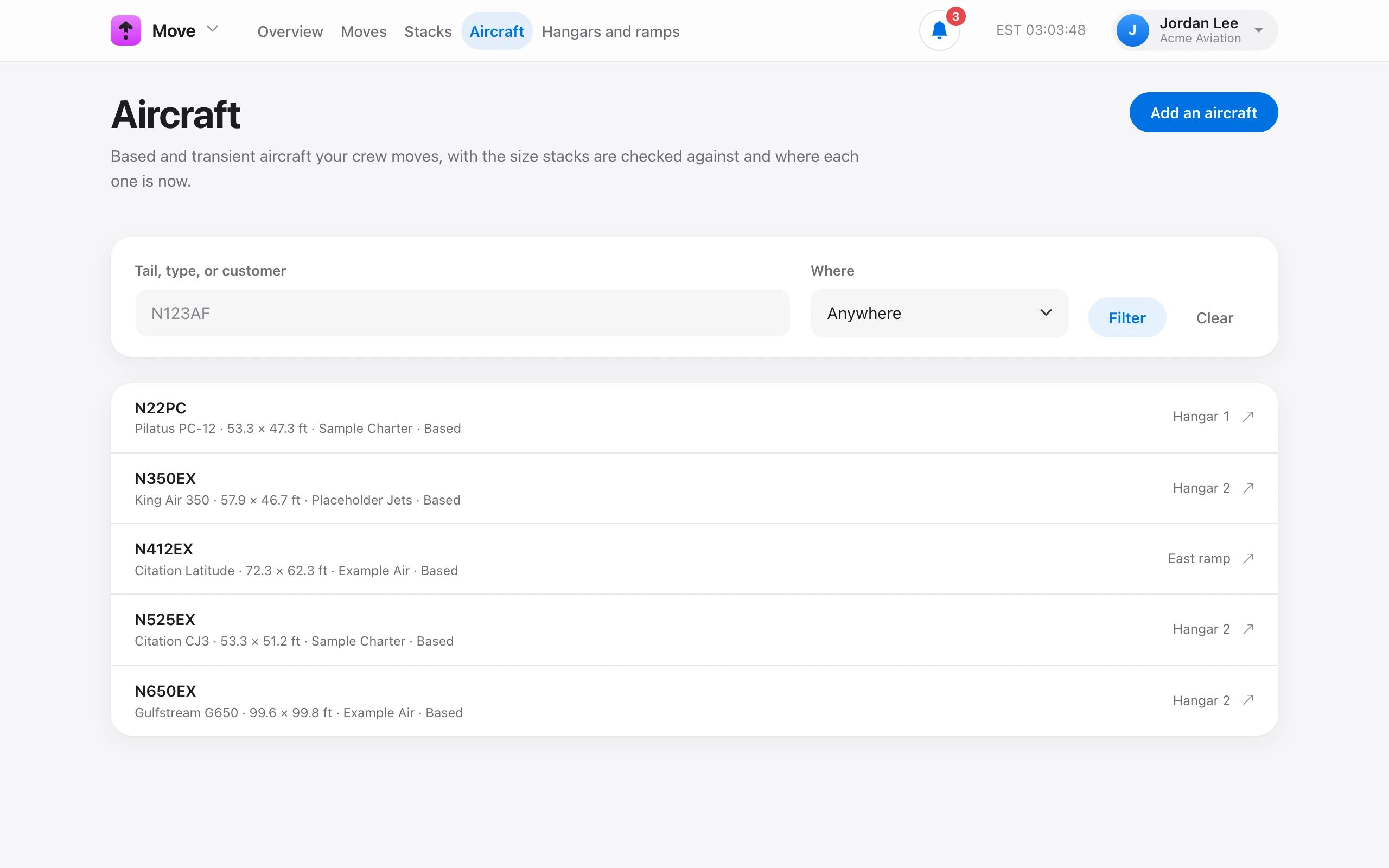
On Move → Aircraft, choose Add an aircraft and type the tail number. Move looks it up as you type. A matching customer aircraft fills in the owner and type. Otherwise the type comes from earlier tickets or the public registry.
Pick the Type from the list (for example GLF6, C25B, or B350) and the wingspan, length, and tail height fill in from published figures. Confirm them for tight hangars. Stacks are checked against these numbers, and tail height is checked against the hangar door.
Check Based here for tenants. Leave it unchecked for transients. Use Notes for things like a towbar adapter or steering limits.
When a transient leaves, open the aircraft and choose Mark as departed. Remove from Move takes it off the list and needs Manage facilities.