
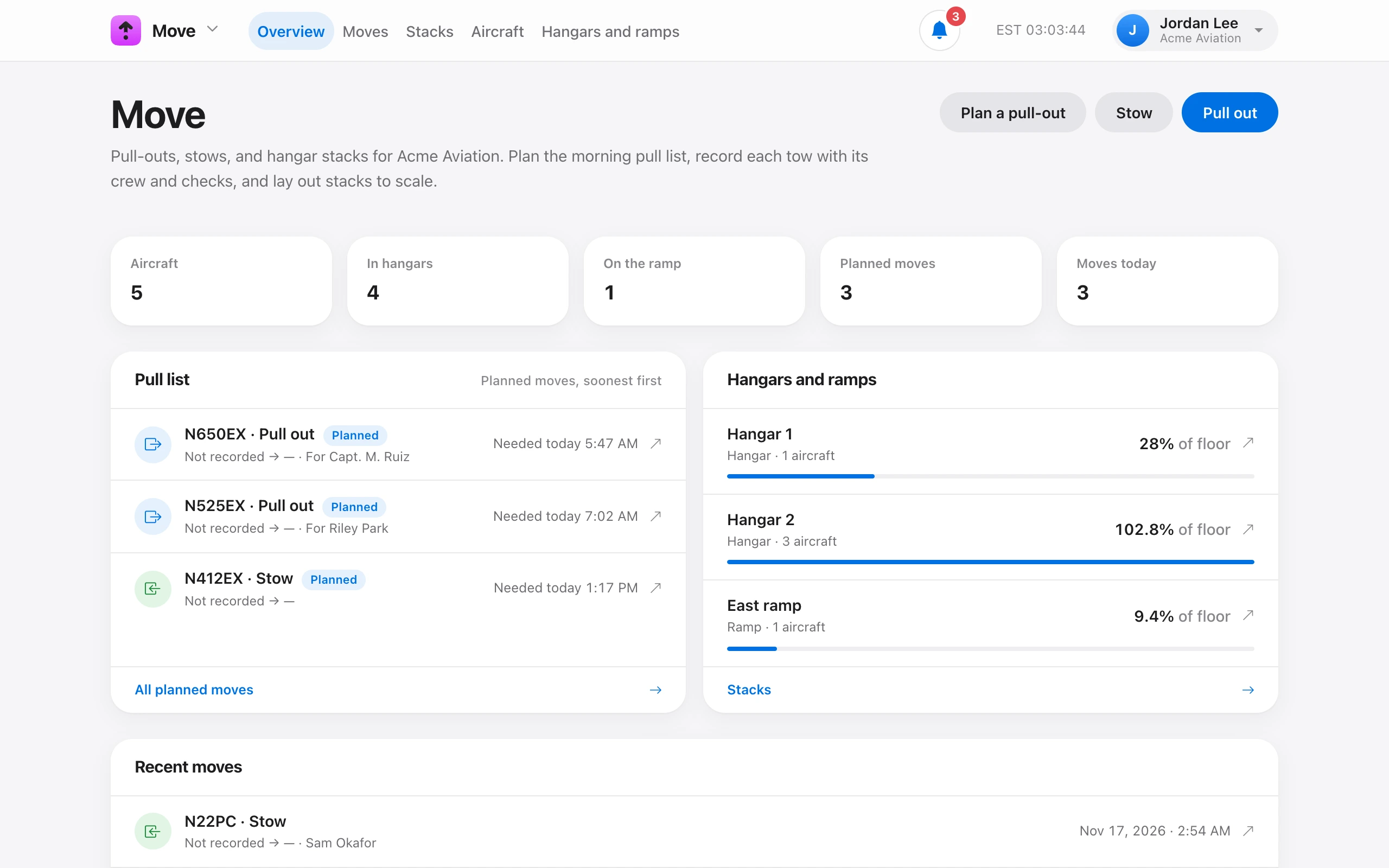
Move records pull-outs, stows, and repositions with the crew and a pre-tow checklist. It plans the morning pull list and lays out hangar stacks to scale. Until it has a hangar and an aircraft, the Move page shows three setup steps.
- Add your hangars and ramps — inside width and depth, the door, and the clearance your shop keeps. See Add a hangar or ramp.
- Add the aircraft you move — enter a tail number and the size fills in. See Add an aircraft to Move.
- Record moves and build stacks.
After setup, the Move page shows aircraft counts, the Pull list of planned moves (soonest first), each hangar and ramp with how much of its floor is used, and recent moves.
Recording moves, building stacks, and adding aircraft needs Move aircraft. Tech, Admin, and Owner have it by default. Adding and changing hangars and ramps needs Manage facilities. Admin and Owner have it.