
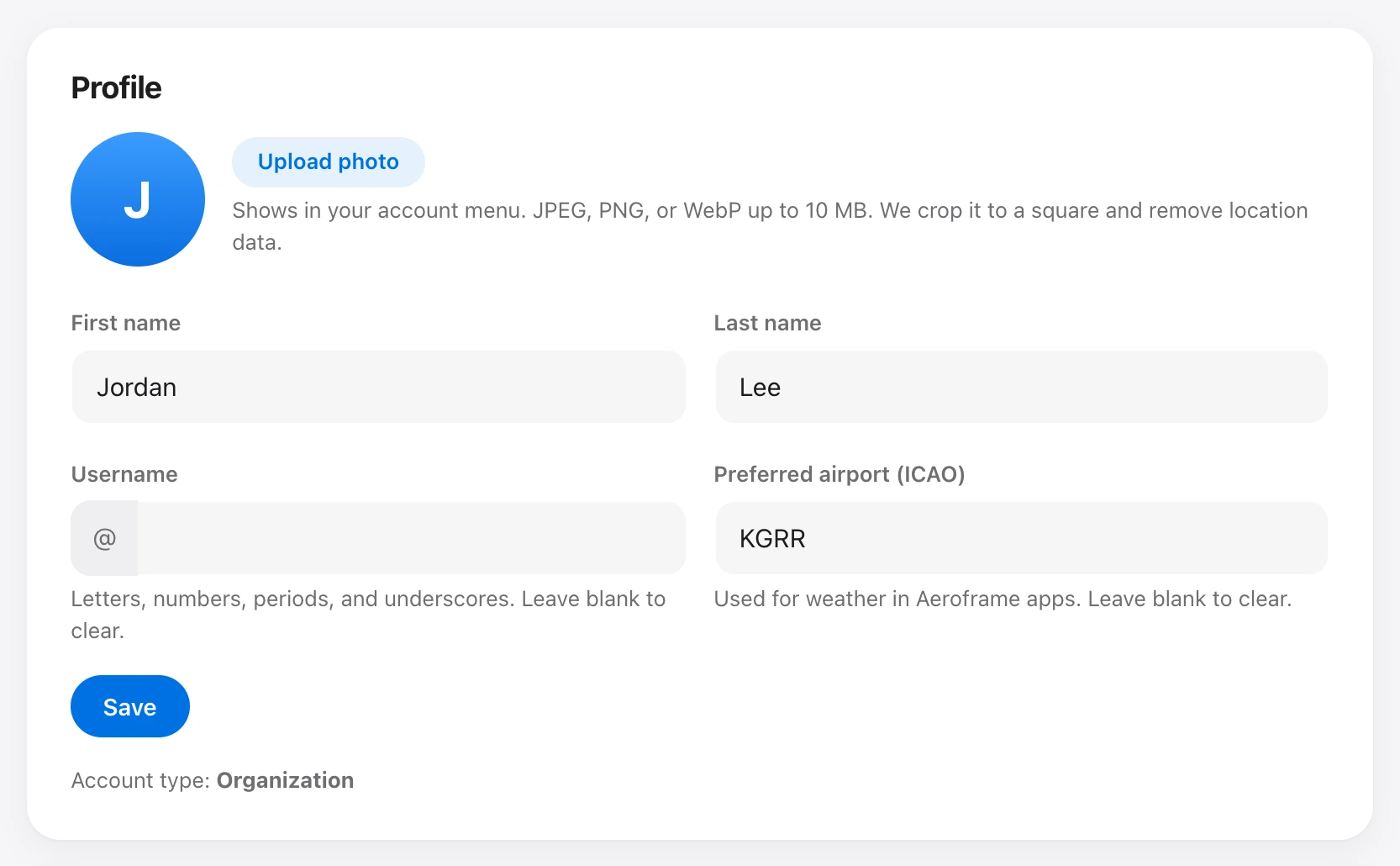
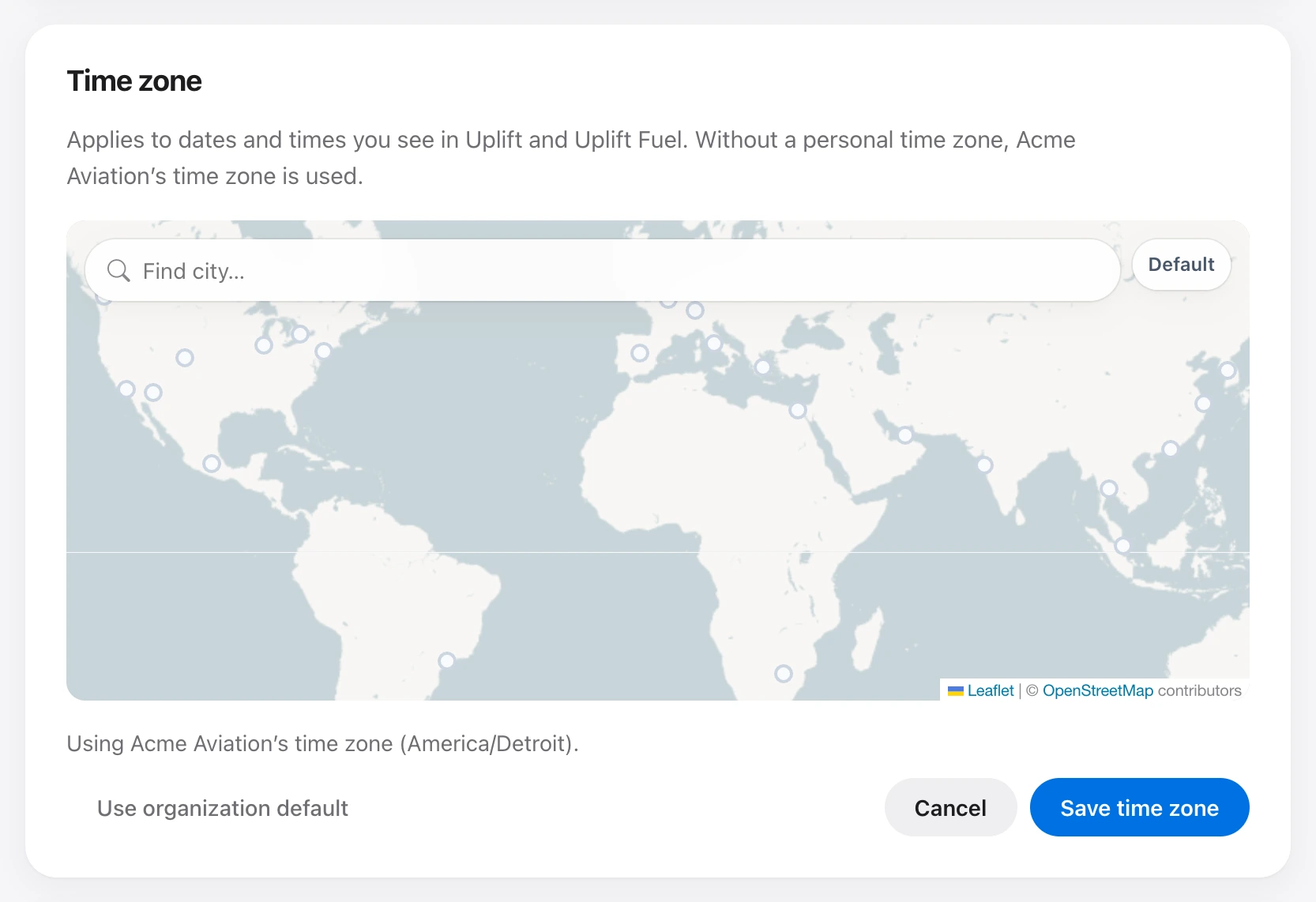
Open Settings from the account menu. Under Profile enter your name and preferred airport (ICAO code, such as KORD). New tickets use that airport as the airfield. Under Time zone pick a city on the map. If you leave it blank, the organization time zone is used.
If an admin turns on Use this time zone for everyone, your personal zone is ignored and Settings explains that.
The clock in the top bar cycles between local time, UTC, and Zulu when you click it.