
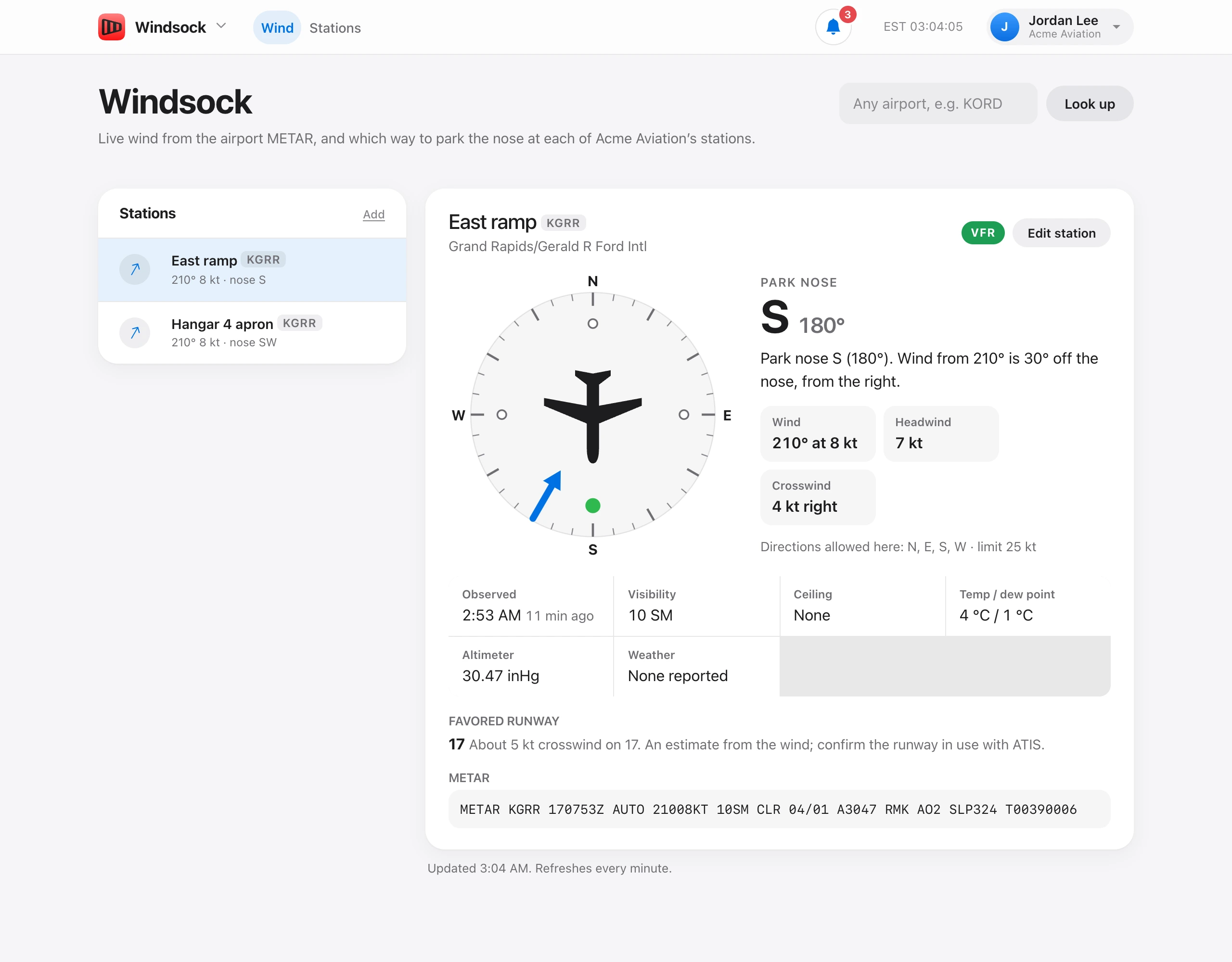
Windsock shows live wind from the airport METAR at each of your stations and which way to park the nose. It refreshes every minute; the time of the last update is under the card.
Stations on the left lists every station with its wind and nose direction, for example “290° 14G22 kt · nose W”. A warning sign marks a station with an alert. Click a station to open it. Add opens a new station for people who can manage stations.
The station card shows the station name and airport, the flight category (VFR, MVFR, IFR, or LIFR), and Edit station. Below that:
- The compass — the blue arrow comes in from where the wind is blowing from. The rings are the directions allowed at this station, the green one is where to point the nose, and the aircraft is turned to that heading.
- Park nose — the direction and heading, for example S 180°, and a sentence such as “Park nose S (180°). Wind from 160° is 20° off the nose, from the left.”
- Wind, Headwind (or Tailwind), and Crosswind, with gusts in brackets, and the directions allowed here and the wind limit.
To get the wind by notification, star the airport under Notification settings.
Under the compass are Observed (with how long ago), Visibility, Ceiling, Temp / dew point, Altimeter, and Weather, then the Favored runway and the raw METAR.
When the wind is calm or variable, Windsock says so and to park to local procedure, and the aircraft on the compass is greyed out.