
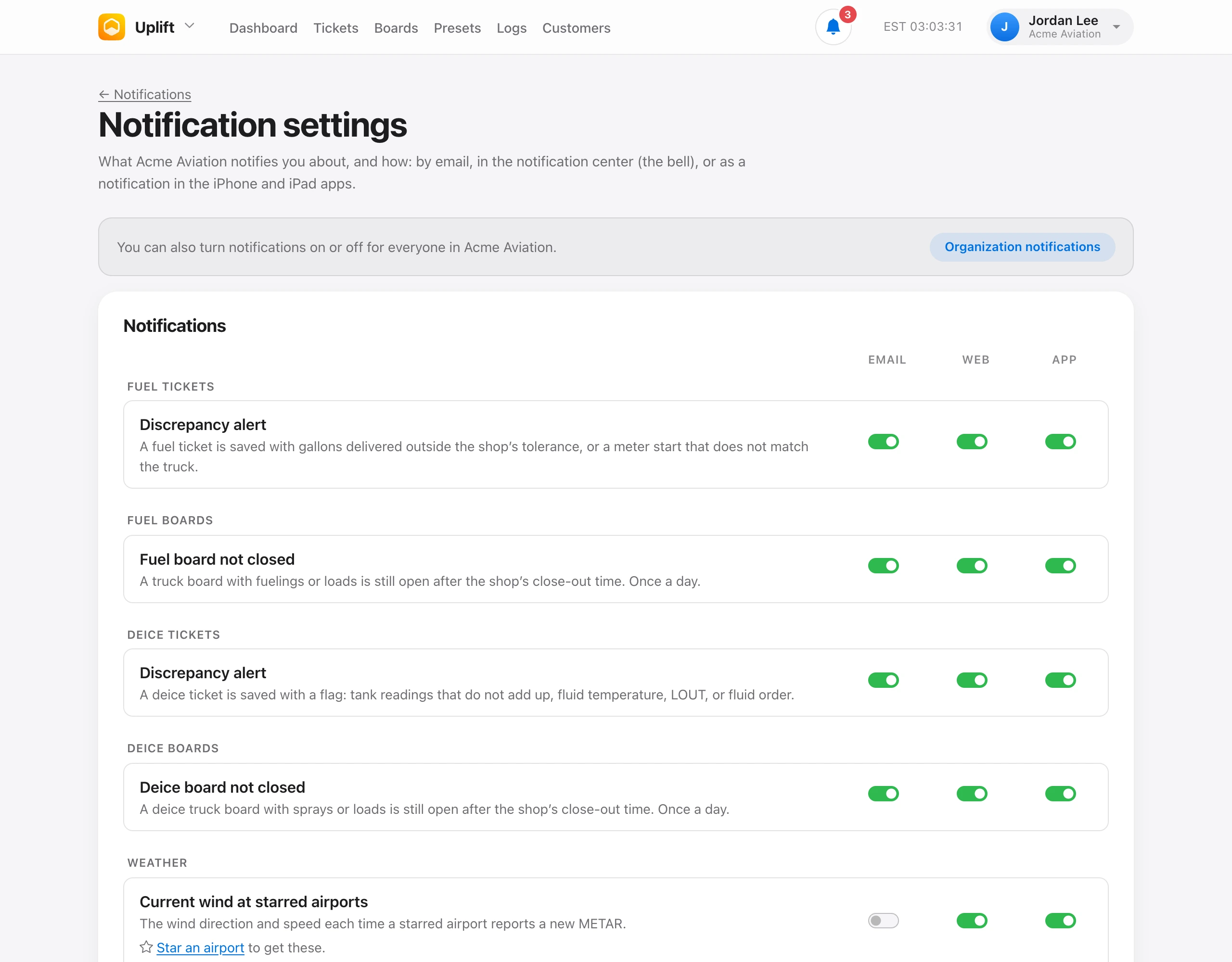
Choose what you get under Notification settings, or Settings from the Notifications page. Each notification has Email, In Uplift, and Push switches.
Each notification starts on for the people it is meant for, such as admins, CSRs, owners, or whoever has the tool, and off for everyone else until they turn it on. Email is off by default for the busy ones: weather, check-outs, flights, geofences, and review. A channel your organization turned off is locked, and Account suspended is always emailed to owners.
Starred airports. Star up to 10 airports to get the current wind and METAR each time one reports new weather, about every hour and whenever conditions change quickly.
Push devices lists the iPhones and iPads that get push for your account. Sign in to the app and allow notifications to add one, or choose Remove to stop one.