
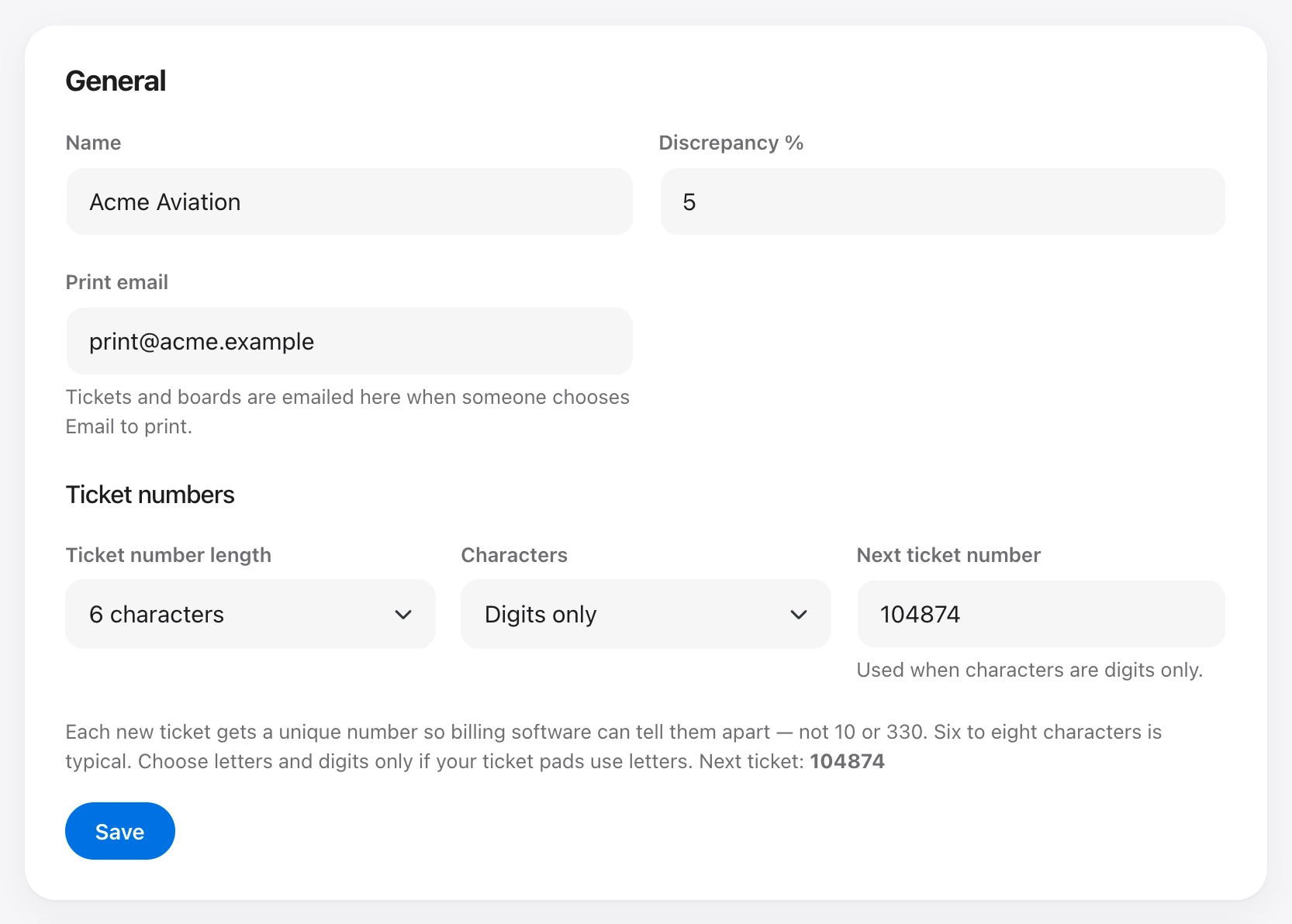
Organization is where the shop is configured. People who manage organization settings can change:
- Time zone, and an option to use it for everyone. Members who have not picked their own use the organization zone. When it is enforced, personal time zones are ignored.
- Name, discrepancy % (how far gallons delivered can be from fuel requested before a ticket is flagged), and print email for Email to print.
- Ticket numbers: length, digits or letters, and the next number. See Ticket numbers.
- The invite code, and a button to regenerate it.
The same page has notifications, sign-in security, low fuel alerts, board close-out alerts, fuel density, FlightLine live updates, enhanced ground traffic, customer emails, data and privacy, testing mode, and beta testing. Use Search organization settings at the top to jump to one.