
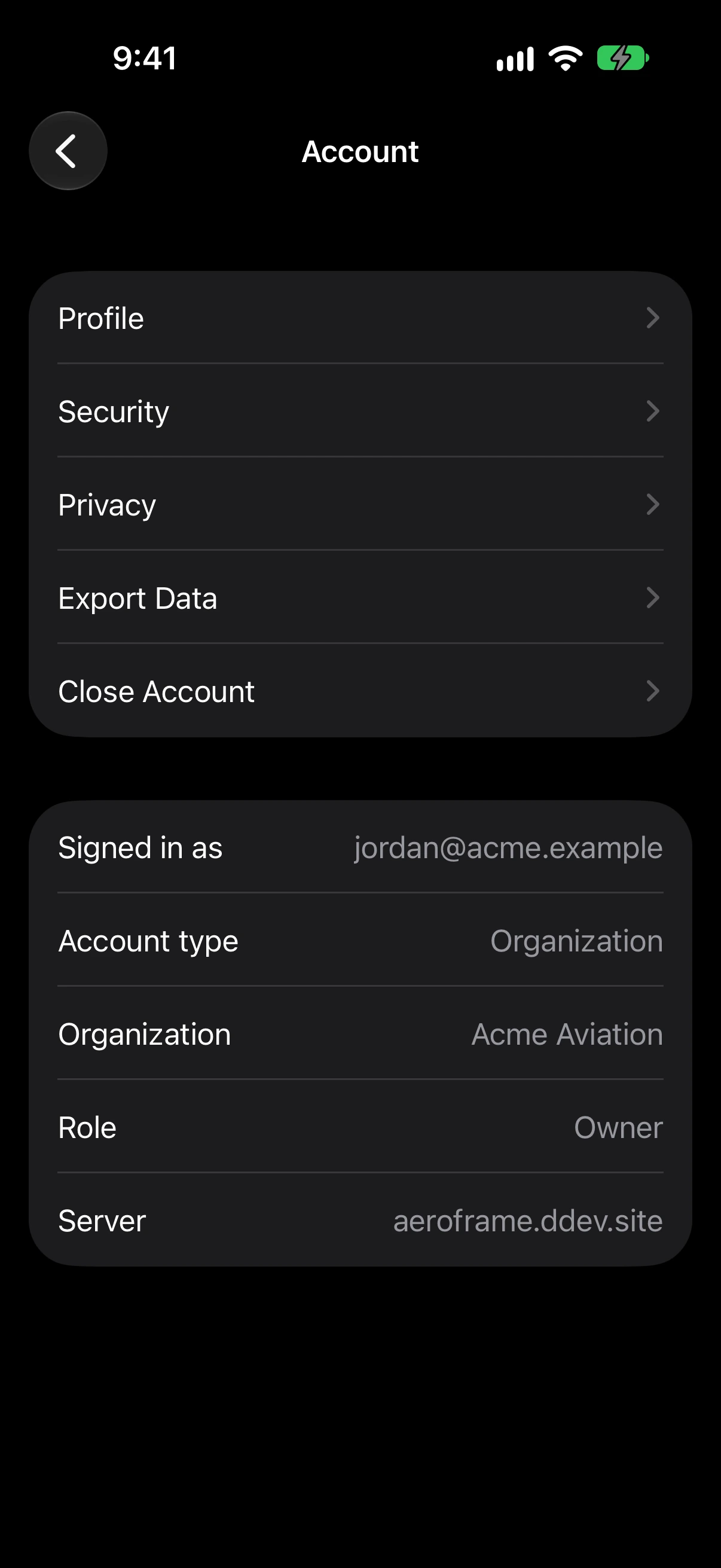

Settings → Account has your Profile, preferred airport, Time Zone, Privacy, Export Data, and Close Account. Email and Password changes are made on the web.
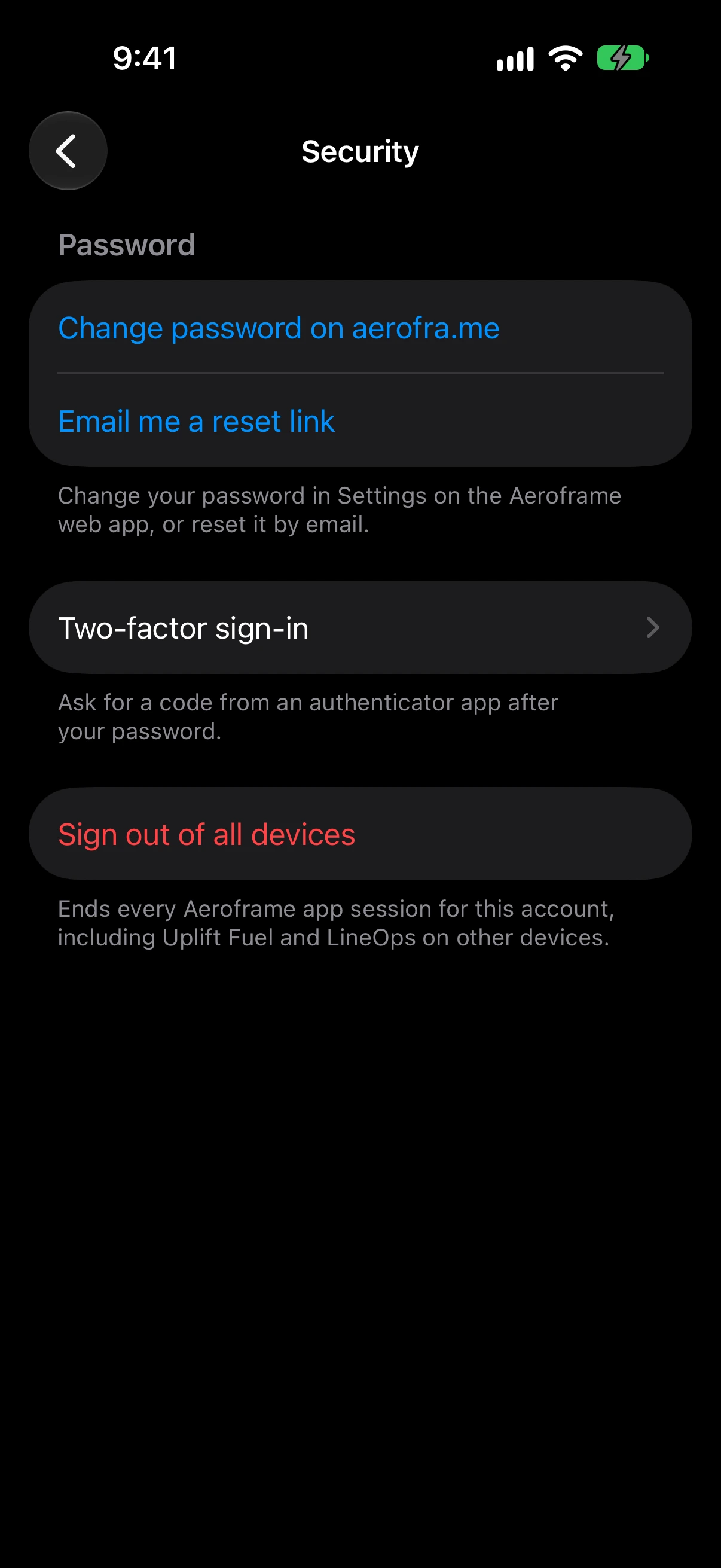
Security has Two-factor sign-in, where you set up an authenticator app with a QR code and save your recovery codes, and Sign out of all devices.
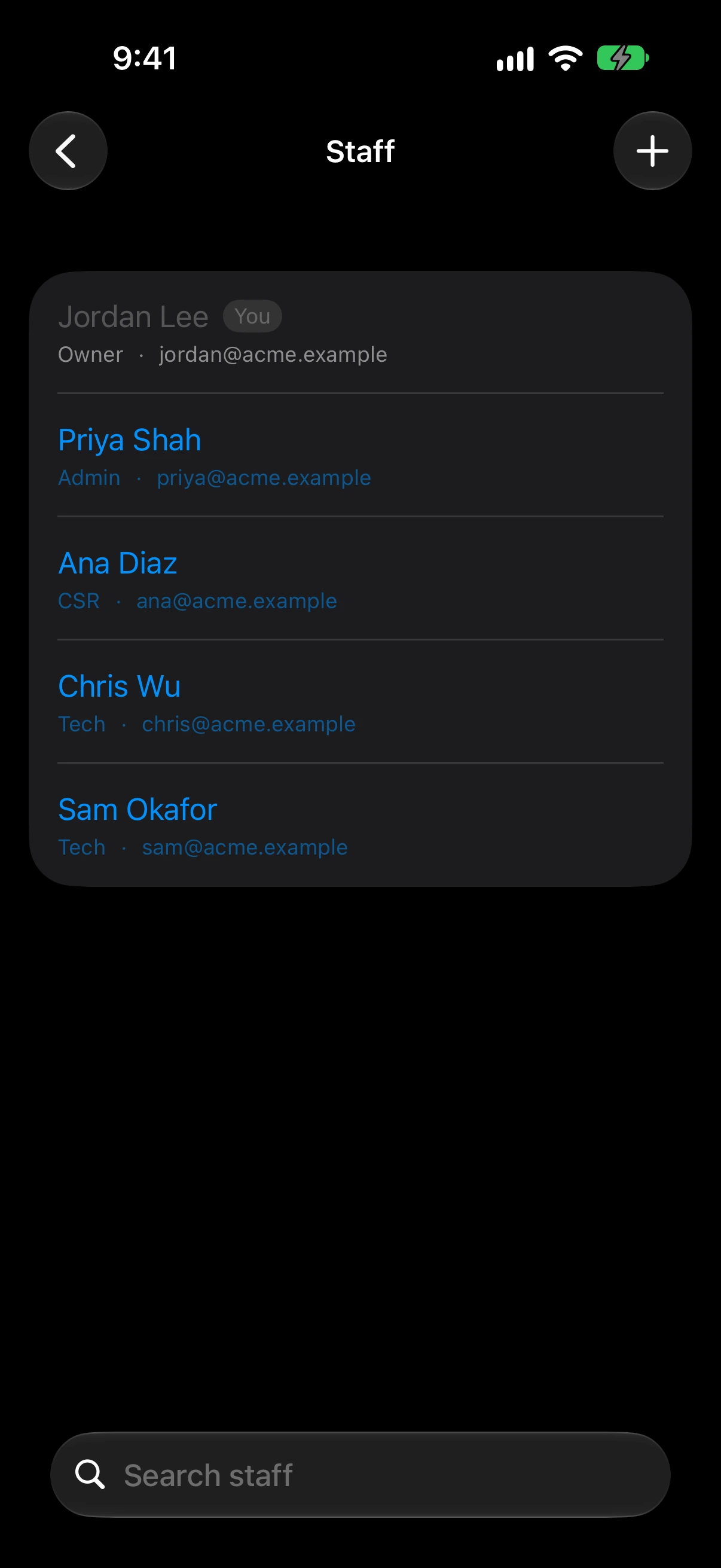
Organization offers Staff (add people by email, change roles, remove), Apps (which apps the organization has and who can use them), and Organization Settings (name, time zone, invite code, notifications, switching organizations, leaving, and deleting). What you can change follows your role.
Settings → General shows where your flight data comes from. People who can change organization settings can set FlightLine live updates and Enhanced ground traffic there.