
Tap the bell on Home to open your notifications, newest first. Choose All or Unread, swipe one to mark it read or unread or to remove it, and use Mark All Read to clear the count.
Opening one goes to the FlightLine flight, the deice ticket, or the aircraft on Homebase when the app can show it, and otherwise to the page on Aeroframe. Tapping a push notification switches to its organization and opens it.
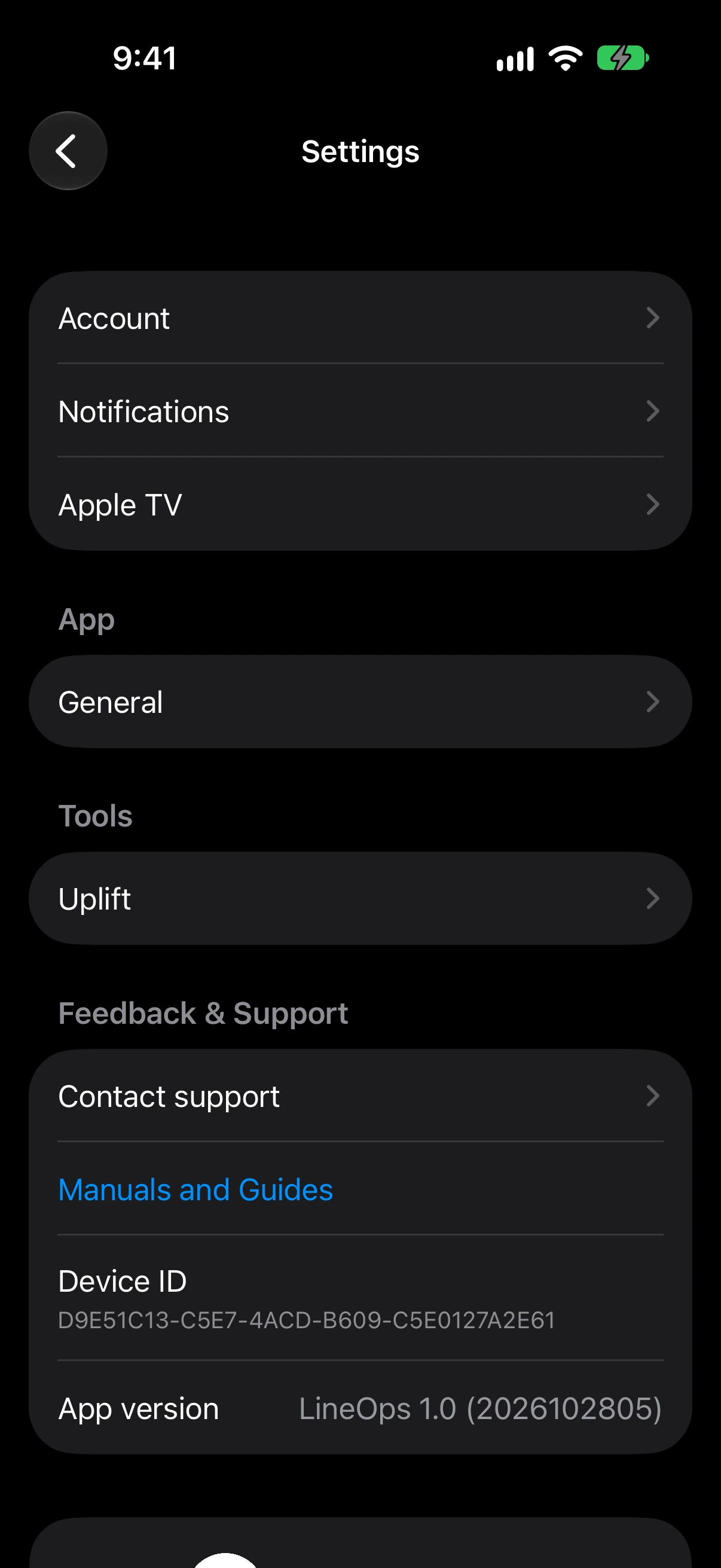
The first time, choose Allow Push Notifications. Under Settings → Notifications, pick push, in-app, and email for each notification you can get. Channels your organization turned off are locked. Star up to 10 airports for wind and METAR notifications. Signing out stops push to that device.
Admins set what the organization uses under Organization Settings → Notifications. The owner manages the billing ones. See Use the notification center.