
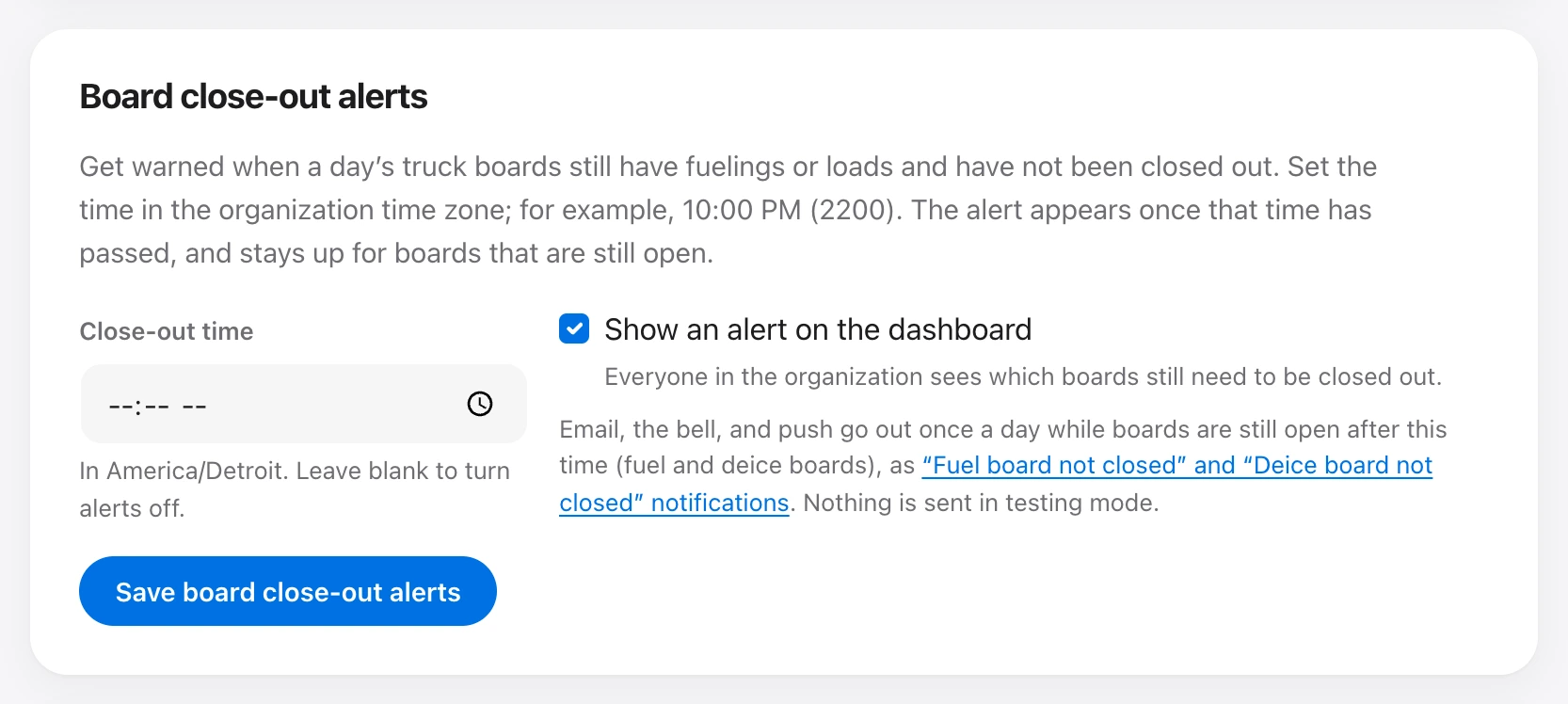
Under Organization → Board close-out alerts, set a time in the organization time zone, for example 10:00 PM. After that time, boards that still have fuelings or loads and have not been closed out are listed on the dashboard and on Boards. Leave the time blank to turn alerts off. Fuel and deice boards share this time.
Check Show an alert on the dashboard to show the list to everyone. Email, the bell, and push go out once a day while boards are still open, as the Fuel board not closed and Deice board not closed notifications. Choose who gets them under Organization notifications. Nothing is sent while testing mode is on.
Anyone who writes tickets, records loads, or manages trucks can close a board out. A later ticket or load on that day reopens it.