
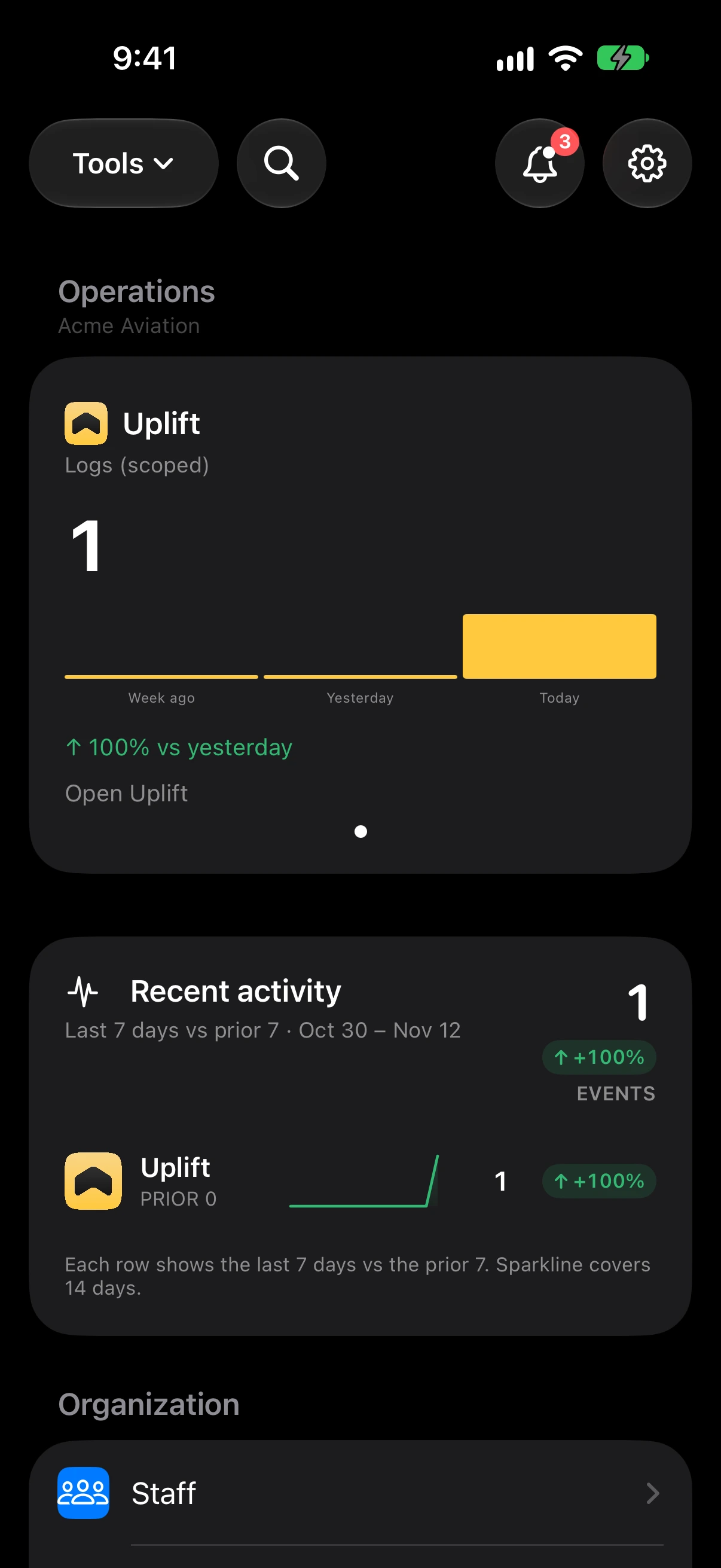
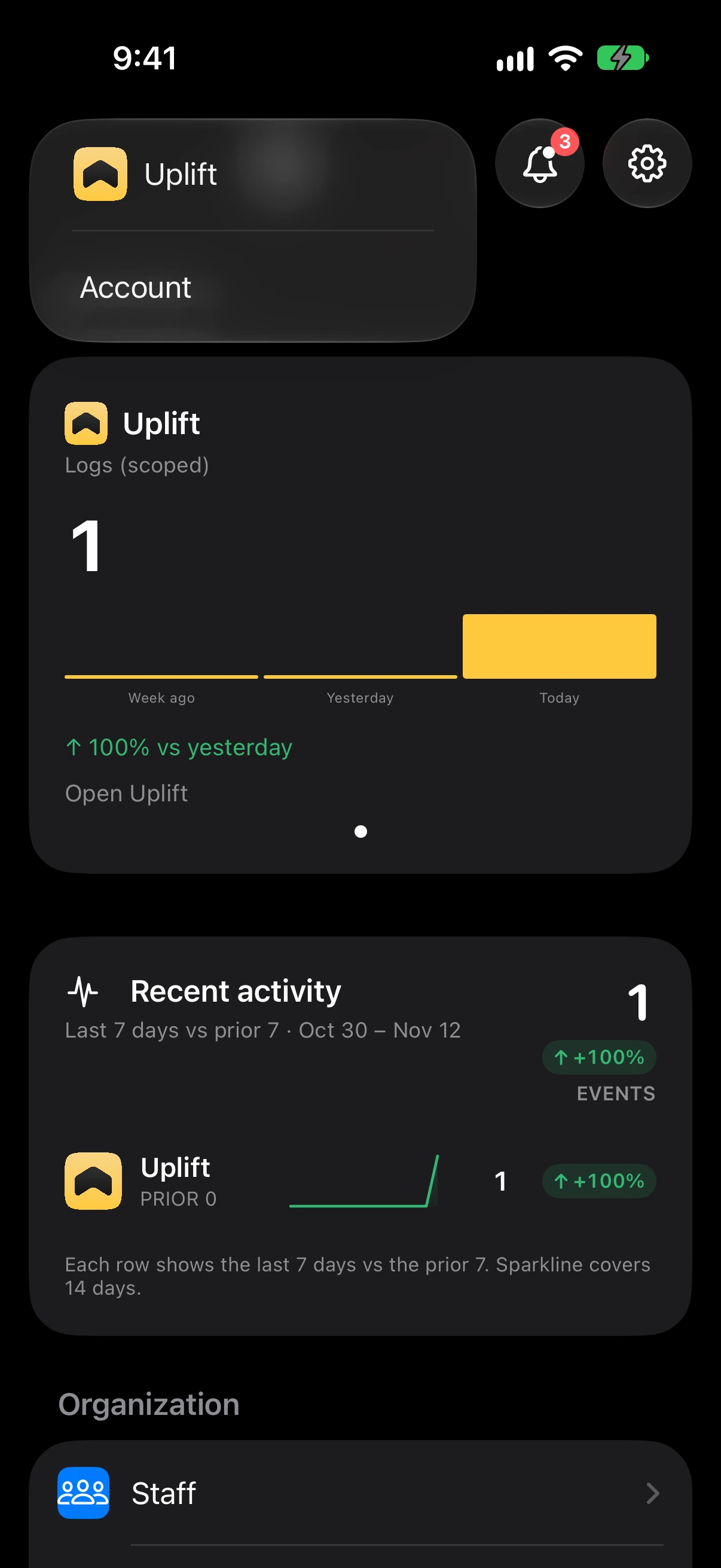
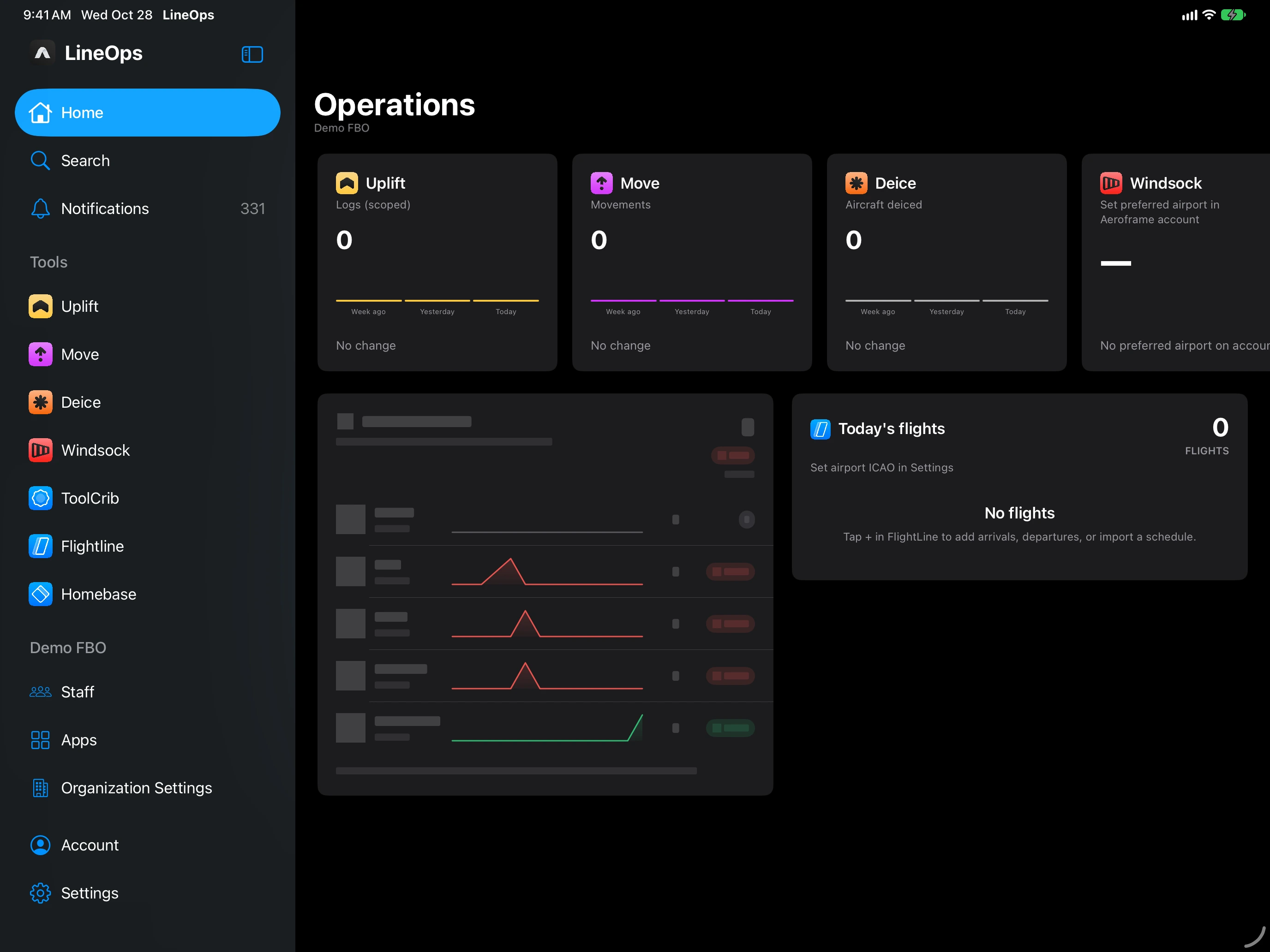
Home shows the day at a glance: the Operations cards, today’s flights, aircraft en route, and Recent activity. Pull down to refresh.
- Tools — opens Uplift, Move, Deice, Windsock, ToolCrib, FlightLine, and Homebase. Tools your organization has not added, or has not paid for, are left out.
- Search — finds your Aeroframe data across the apps.
- The bell — your notifications, with how many are unread.
- The gear — Settings: Account, Notifications, Apple TV, General, each tool’s settings, Contact support, Acknowledgements, and Sign Out.
On iPad, a sidebar replaces the Tools menu: Home, Search, Notifications, your tools, your organization (Staff, Apps, Organization Settings, or Join or Create), Account, and Settings. Hide it with the sidebar button to give the screen more room.
A tool your organization has but you were not given shows a lock, and choosing it says who to ask. If the organization has no working payment method, a paid tool says it is off until the owner adds one under Billing on the web.
Contact support in Settings sends your message with your app version and device, so we can help faster.