
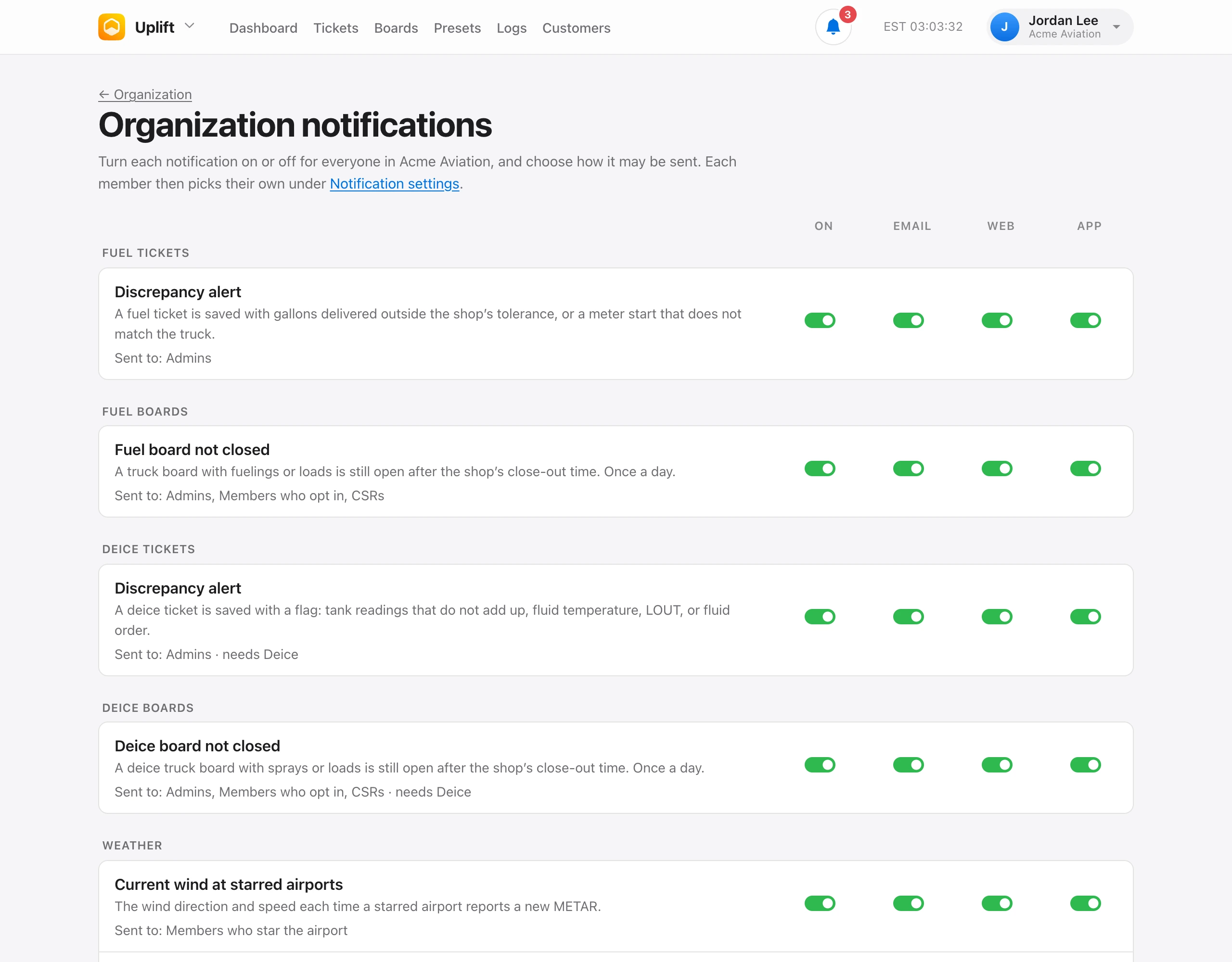
People who manage organization settings choose what the organization uses under Organization → Notifications. Turn each notification on or off for everyone, and choose how it may be sent: Email, In Uplift, and Push. Each row says who it is sent to. Only the owner can change the billing ones.
Each member then picks their own under Notification settings, within what you allow. A notification tied to an app only reaches people with access to that app.
Board close-out notifications use the close-out time under Organization → Board close-out alerts. Fuel and deice boards share it.