
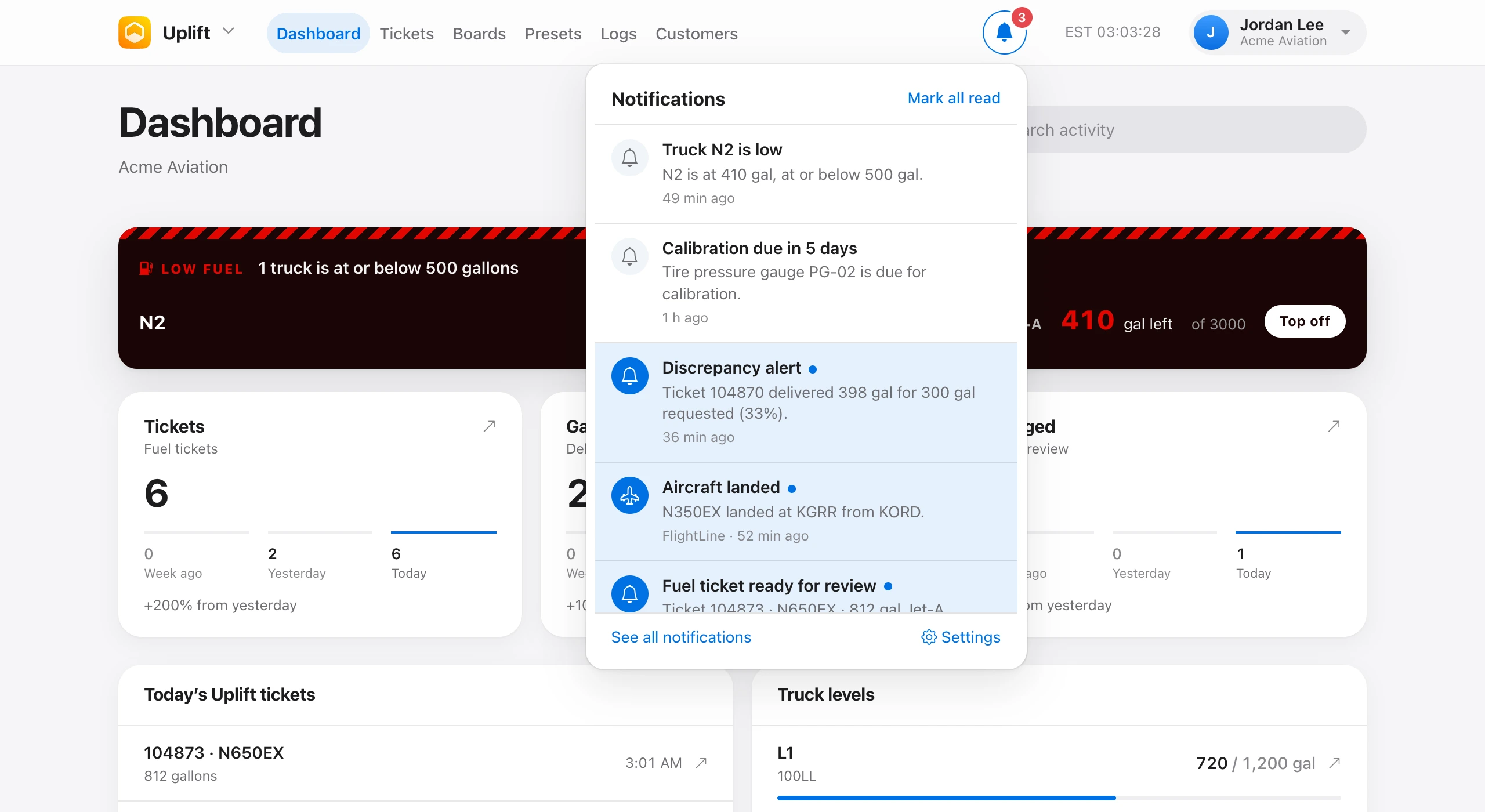
Uplift tells you when something needs you: by email, in the notification center behind the bell in the top bar, and as push notifications in the iPhone and iPad apps.
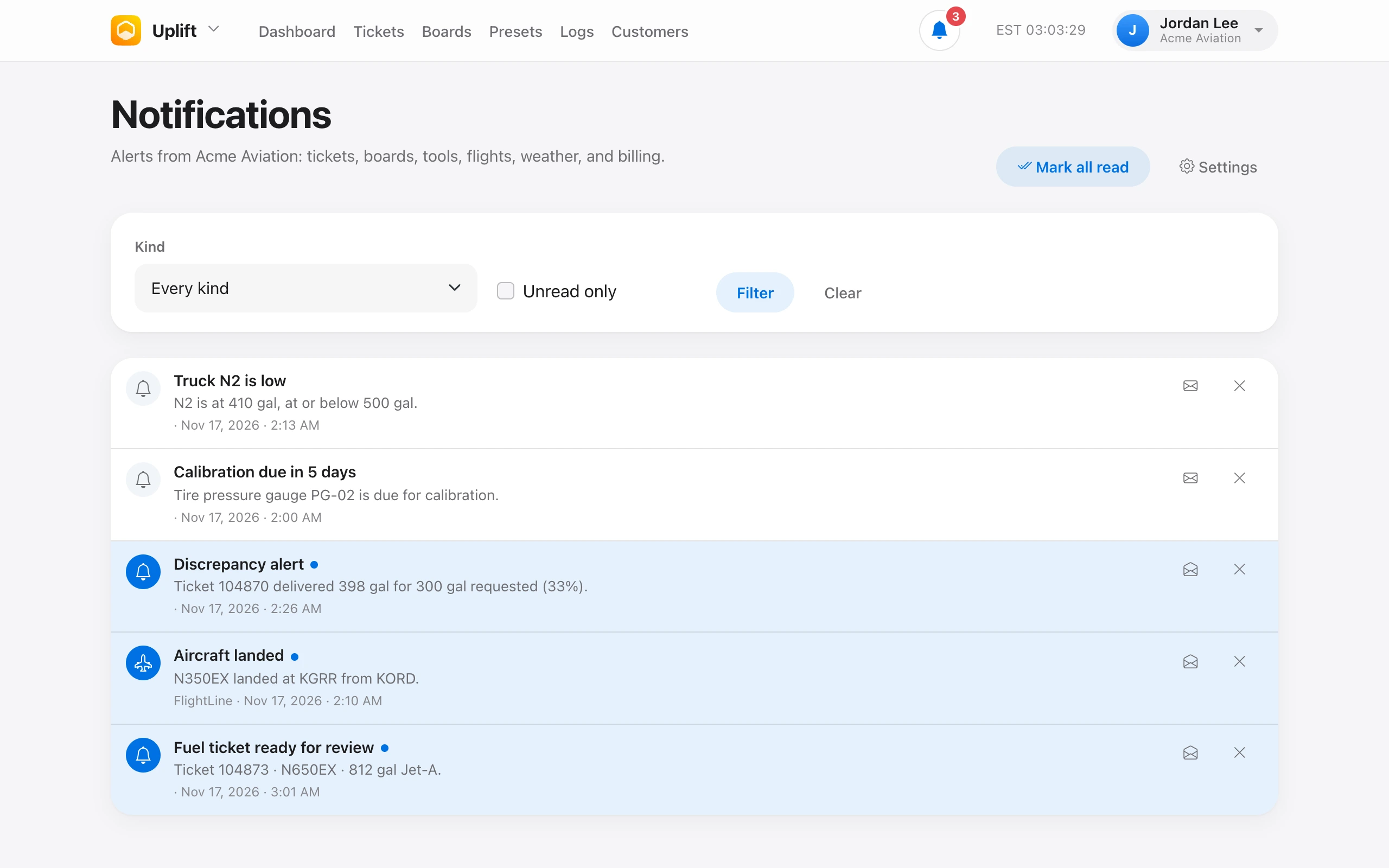
The bell shows how many are unread and the newest few. See all opens Notifications, where you can filter by kind or unread, mark one read or unread, and remove it. Mark all read clears the count. Opening one marks it read and goes to the ticket, board, tool, or flight.
- Fuel and deice — ticket discrepancies, boards not closed after the close-out time, and tickets ready for review.
- Weather — the current wind and METAR at airports you star.
- ToolCrib — a tool checked out and who has it, and calibration due in 15 days, in 5 days, and now.
- FlightLine and Homebase — aircraft departed and landed, and aircraft through a geofence.
- Organization (owners) — new invoices, a daily balance, declined payments, invoices 7 and 30 days past due, and account suspension.
- Beta — a feedback reminder every 7 days for beta testers.
Nobody gets the same alert twice. Read notifications are removed after 90 days and the rest after 180.