
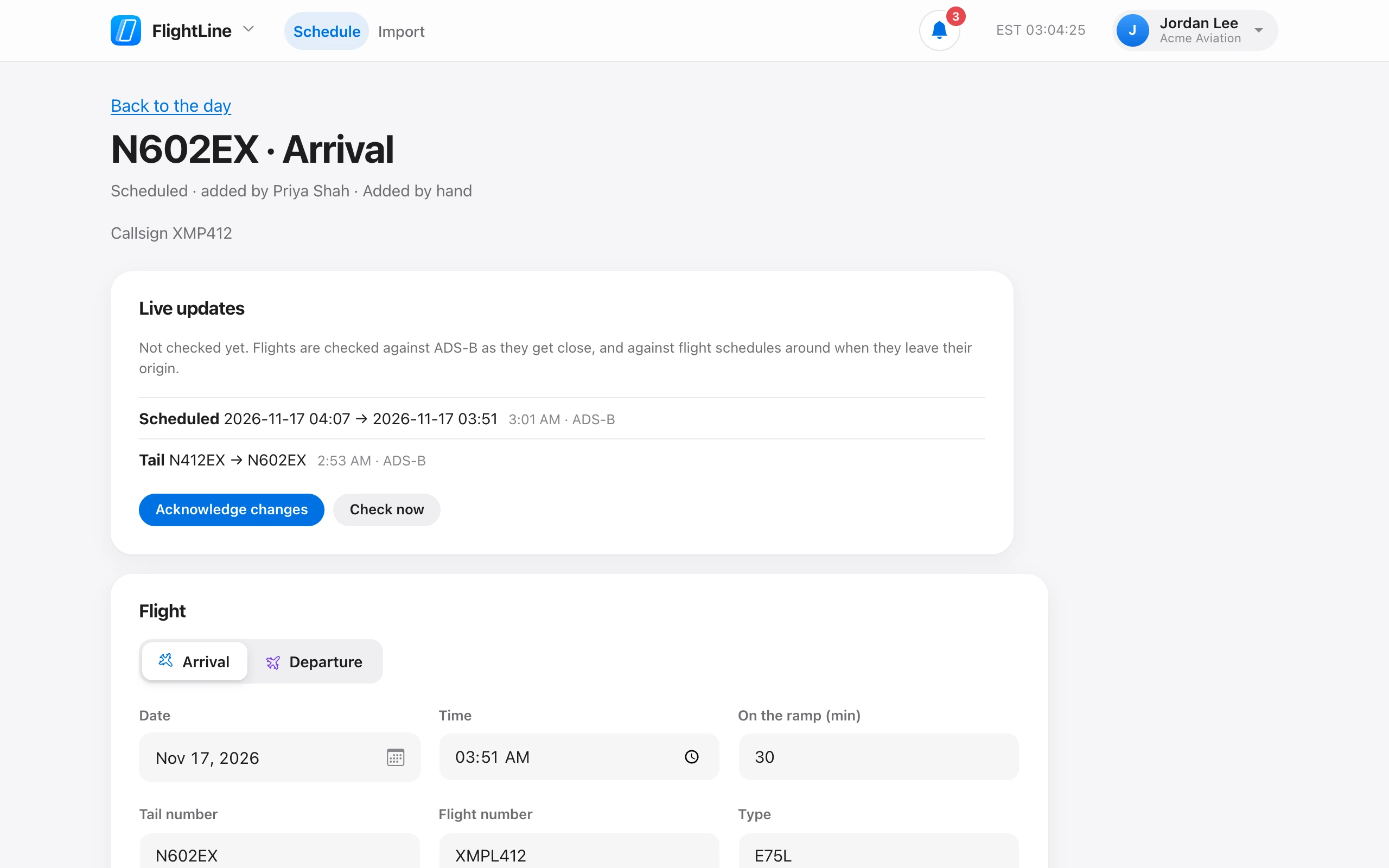
Open the flight and choose Cancel this flight. It stays on the day, marked Cancelled, so everyone sees it is not coming. Flights are cancelled, never deleted.
Flights added from flight schedules are cancelled on their own when the flight status reports the cancellation.
To bring a flight back, open it and choose Put back on the schedule. A cancelled flight cannot be changed until it is back on the schedule.