
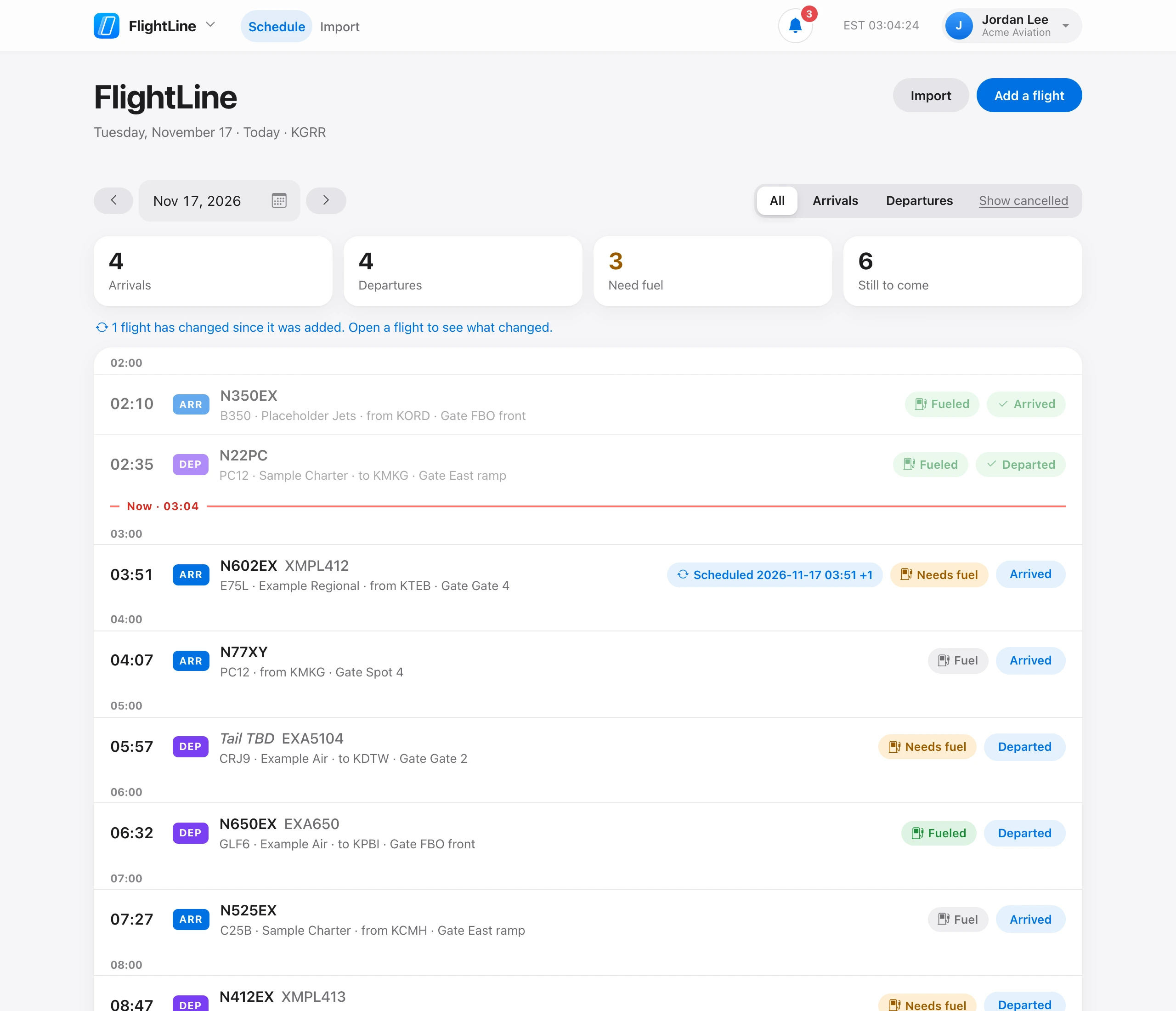
Each flight on the day has two quick buttons:
- Fuel — click to cycle between Needs fuel, Fueled, and no fuel. Flights that need fuel are counted at the top.
- Arrived or Departed — marks the flight done and greys it out. Click the check again to undo.
An arrival can only be marked arrived, and a departure only departed. Flights added from flight schedules are also marked arrived or departed on their own when the flight status reports it.