
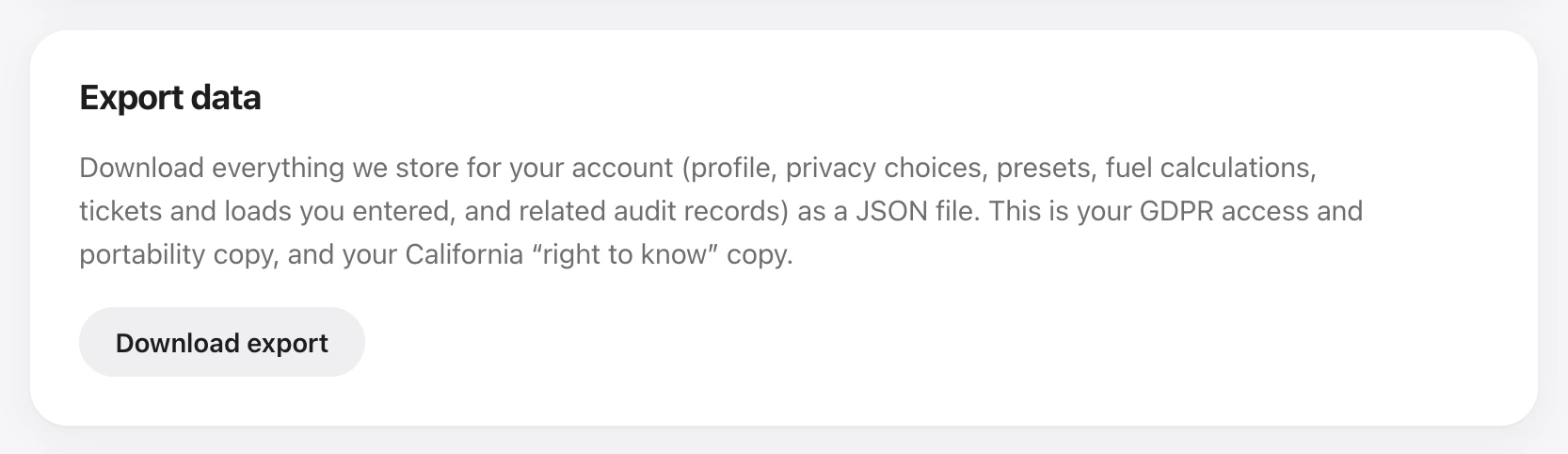
In Settings choose Export data to download what we store for your account as a JSON file.
Privacy on the same page covers GDPR and California choices, including do-not-sell and optional analytics. A browser sending Global Privacy Control keeps do-not-sell on. Public pages also have a cookie banner and Your Privacy Choices.
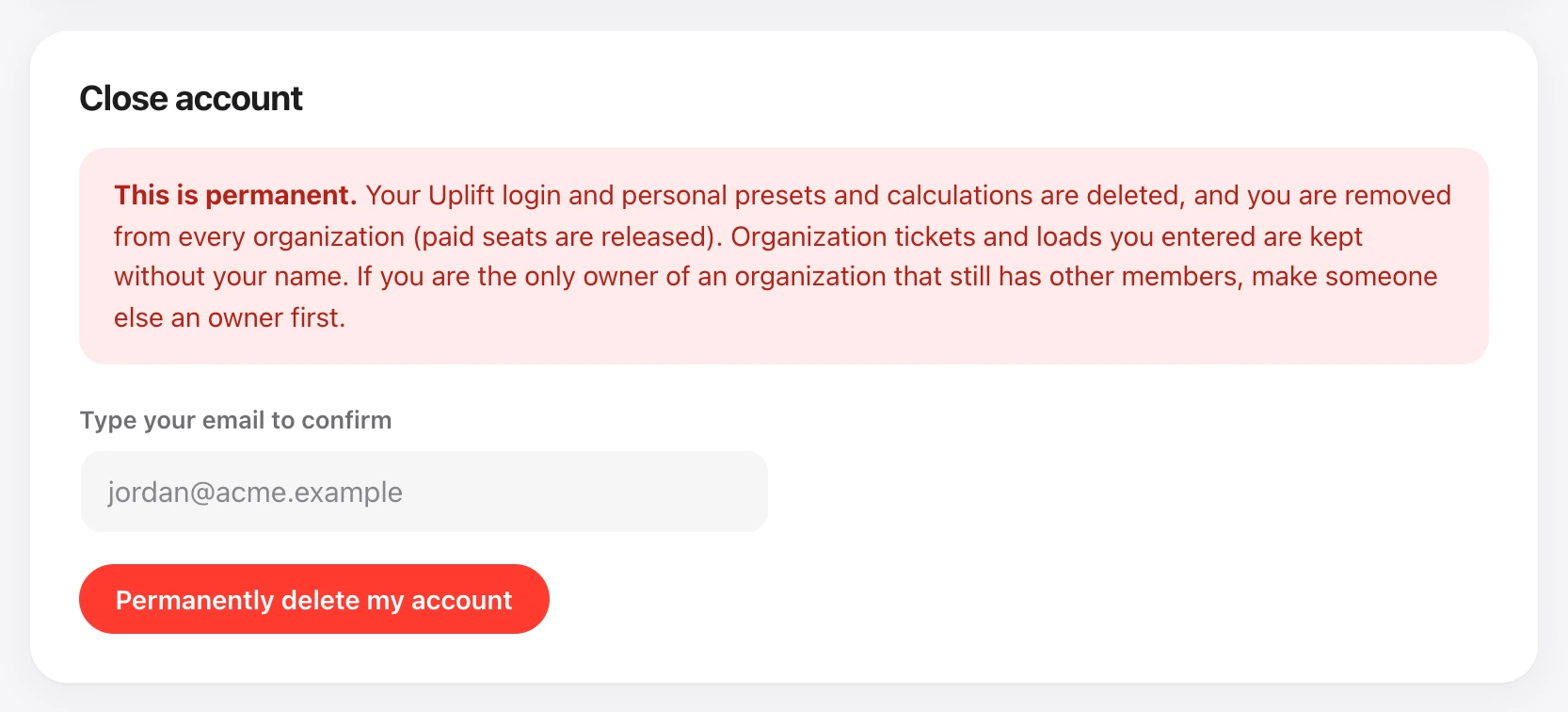
To close your account, use Close account and type your email to confirm. If you are the only owner of an organization that still has other members, transfer ownership first.
People with privacy permission can also set how long the organization keeps tickets, fuel logs, and the audit trail, export the shop, or remove a member name from tickets and logs. That lives under Organization → Data and privacy.