
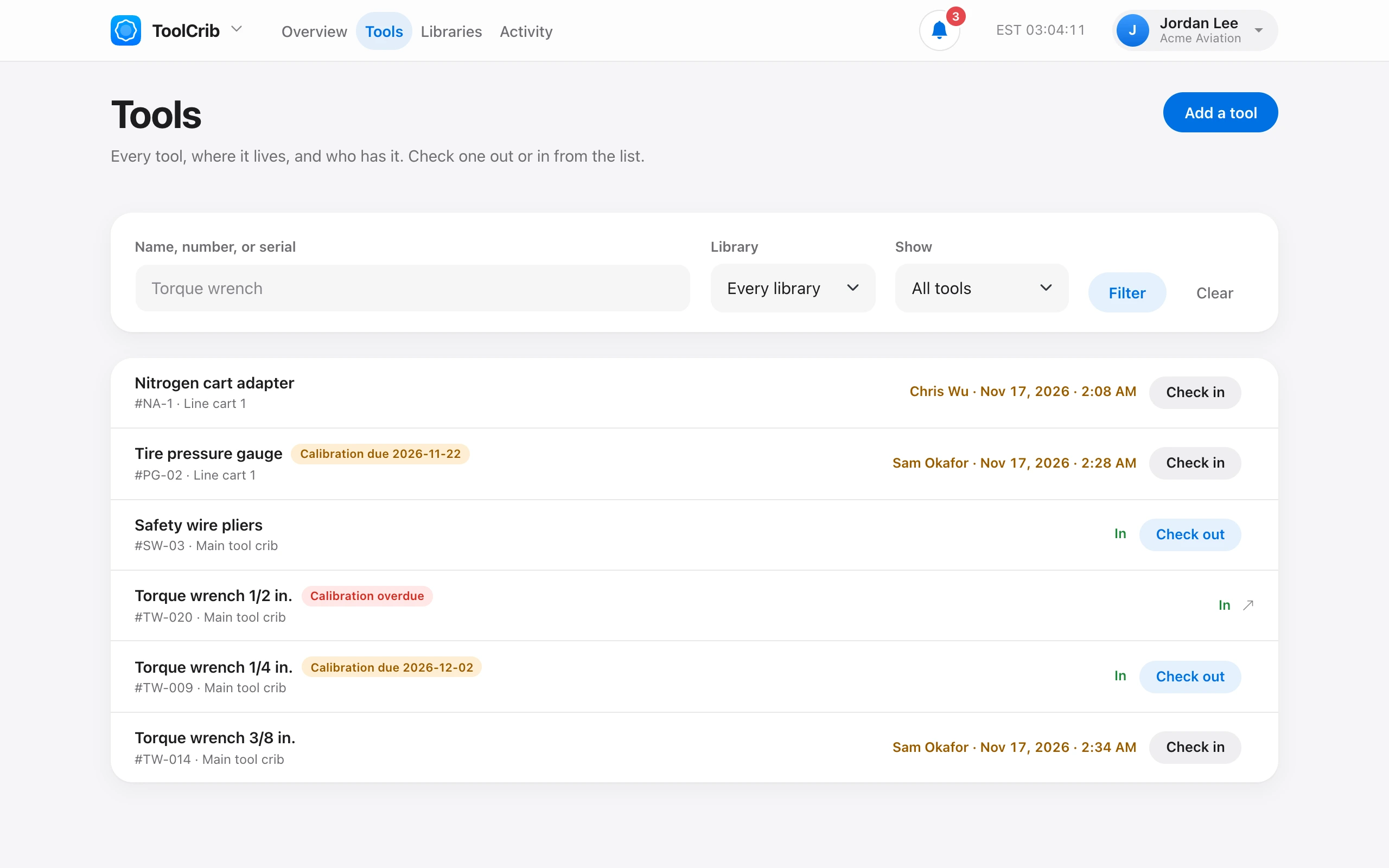
On ToolCrib → Tools, choose Add a tool. You need a library first.
- Name — for example “3/8 in. torque wrench, 20–100 ft-lb”.
- Library — where it lives.
- Tool number — your shop’s number or asset tag, unique in the organization.
- Serial number and Description.
- Calibration due — for torque wrenches and gauges. Leave it blank if the tool is not calibrated.
Add and add another keeps the library selected for the next tool. A tool must be checked in before it can be taken out of use or removed.