
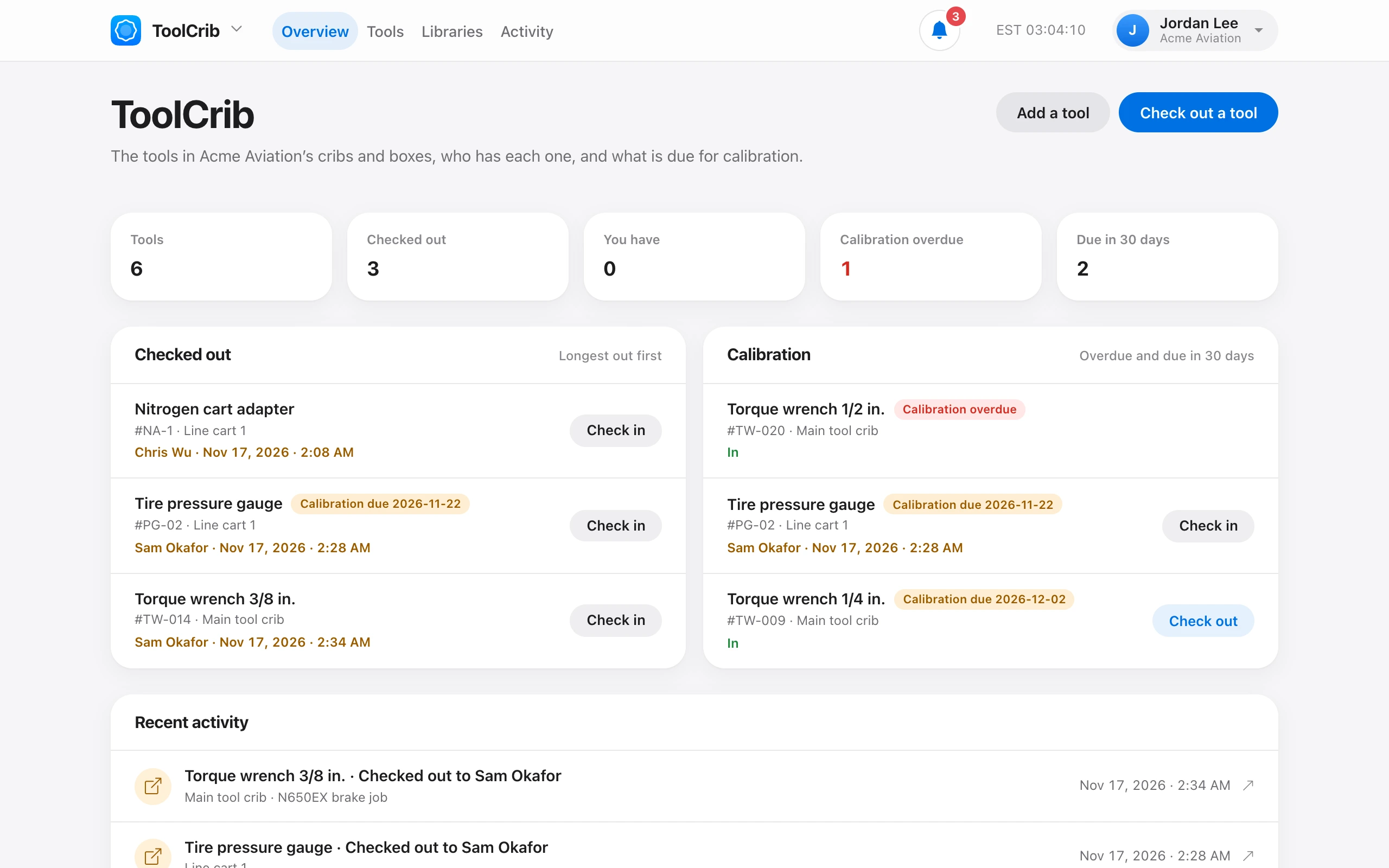
ToolCrib tracks every tool in the shop, who has it, and when it is due for calibration. Until it has tools, the page shows three setup steps.
- Add a library — a tool crib, a toolbox, or a cart, and where it is kept. A checked-in tool goes back to its library.
- Add its tools.
- Check tools out and in — here, or in the iPhone app, where tapping a tool’s NFC tag opens it.
The ToolCrib page then shows what is Checked out (longest out first), what You have, tools with Calibration overdue or due soon, and Recent activity.
Adding libraries and tools needs Manage tools. Admin and Owner have it by default. Checking out and in needs Check tools out and in, which Tech also has.