
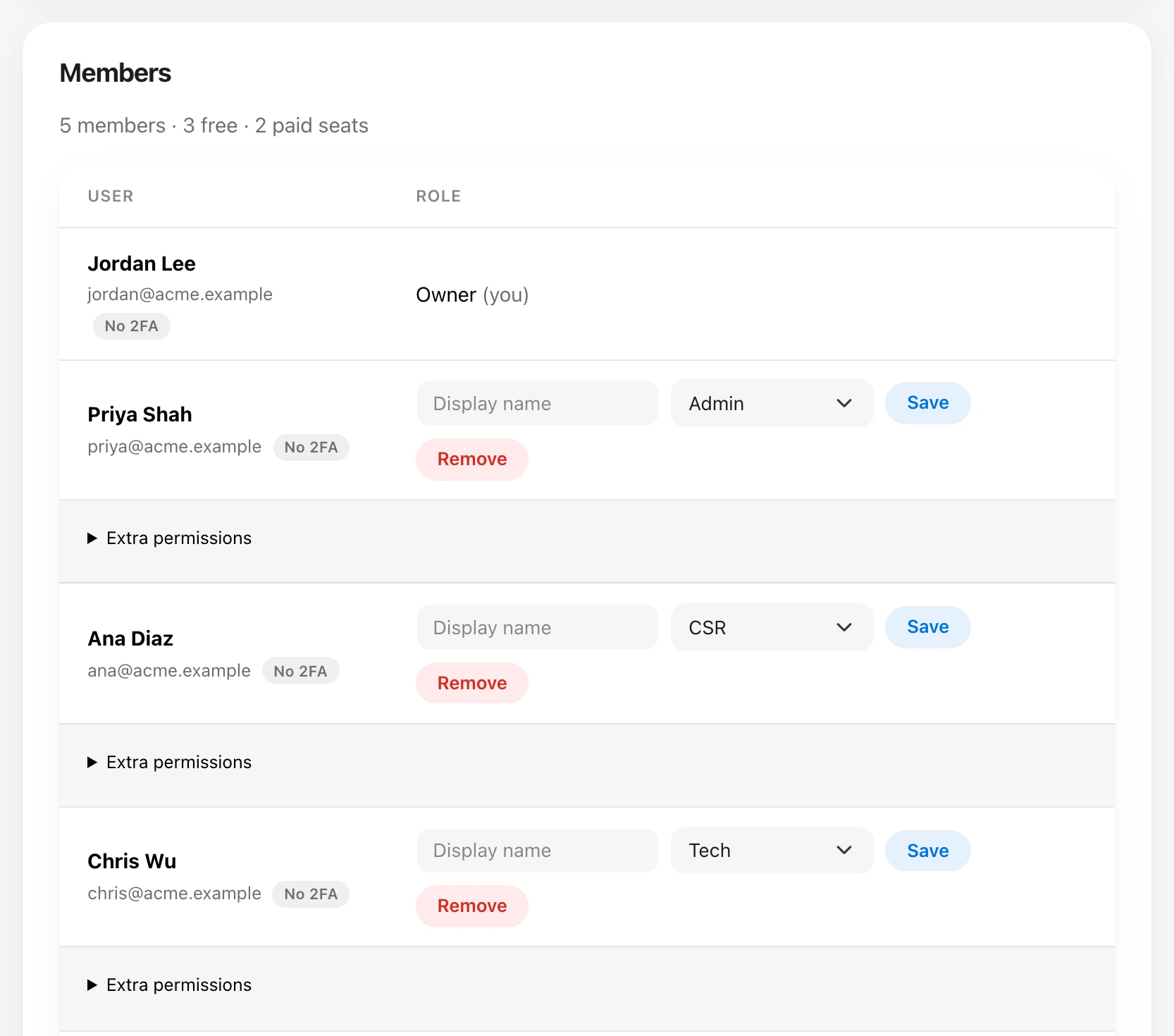
People who can manage members add someone from Organization → Members: email, name, and role. New people receive an email to set a password. You can change someone’s display name or role, grant extra permissions on top of the role, or remove them from the organization. Removing someone keeps their Uplift account.
Only an owner can assign the owner role. Billing cannot be granted to anyone else. The first 3 members are free. Seats above that are billed. Nobody can be added until the organization has a payment method on file. See How billing and seats work.
The Members list shows who has two-factor sign-in on. People who can manage sign-in security can reset someone’s two-factor when they lose their phone or key.