
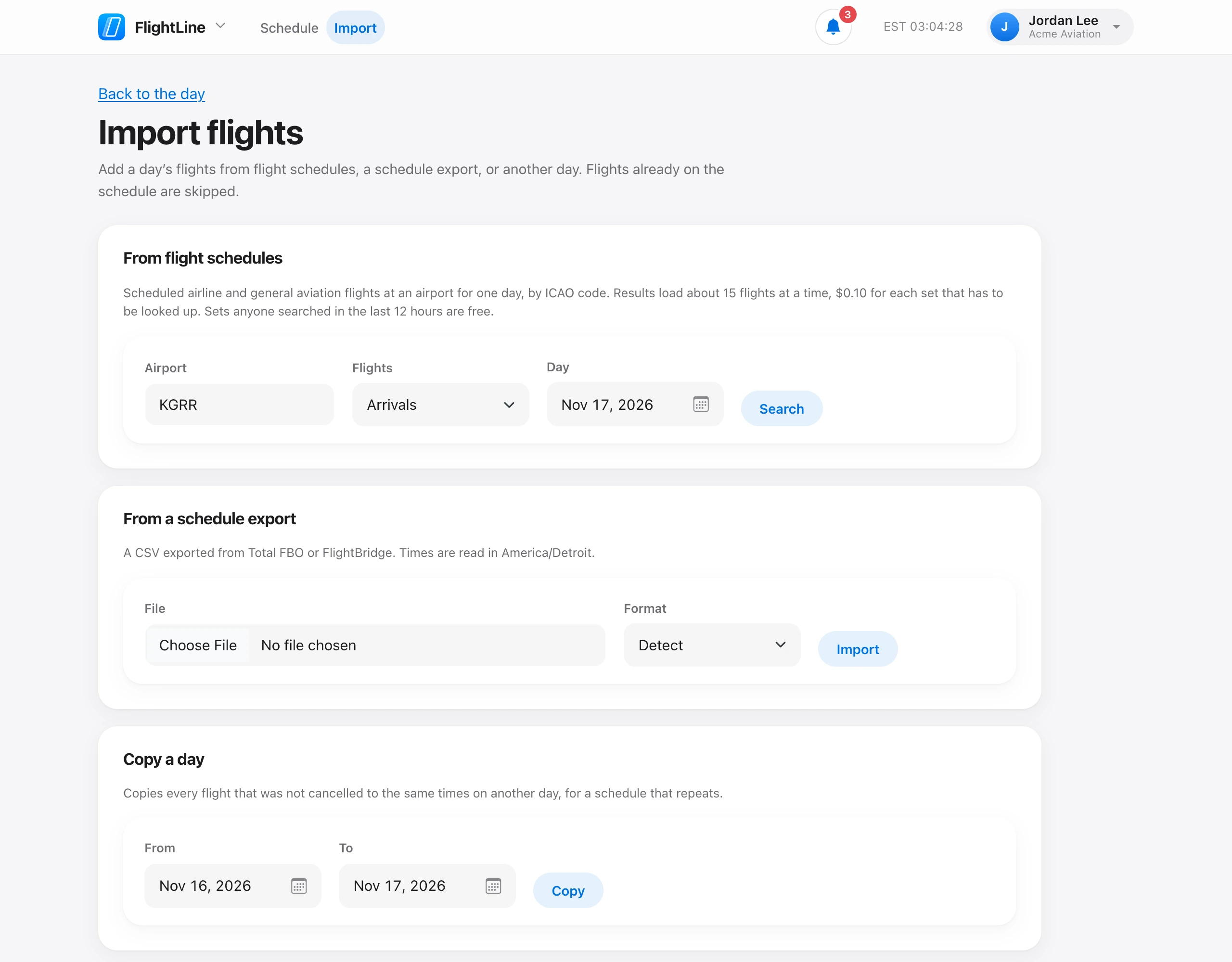
On FlightLine, choose Import. Under From flight schedules, enter the airport and the date, choose arrivals, departures, or both, then choose Search.
Check the flights you want and choose Add chosen flights. Flights already on the schedule are marked and skipped. A flight with no tail number yet can still be added. It shows as Tail TBD, and live updates fill in the tail.
Results load about 15 flights at a time, and each set that has to be looked up is $0.10. Choose Load more for the next set; the button shows whether it is free. A set anyone searched in the last 12 hours is free. Flights added this way update themselves with new times, gates, tails, and cancellations. See Where flight data comes from.
Schedule search needs a payment method on file, and it is off in testing mode. You can always add flights by hand, from a schedule export, or by copying a day.