
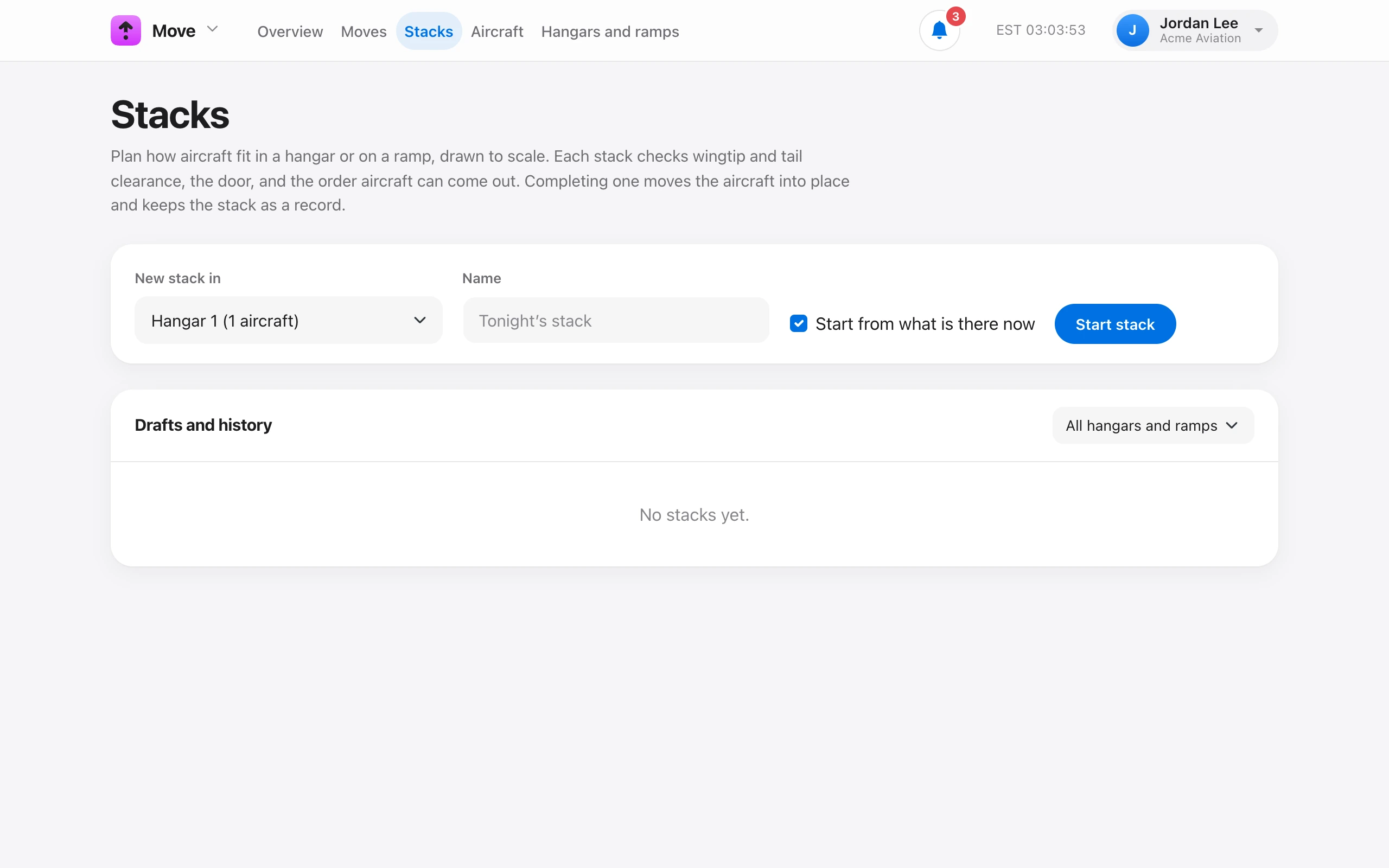
A stack is a plan of how aircraft fit in a hangar or on a ramp, drawn to scale. On Move → Stacks, choose the hangar or ramp and a name such as “Tonight’s stack”. Leave Start from what is there now checked to begin with the aircraft already inside. Then choose Start stack.
- Search Add aircraft and pick one to place it.
- Drag an aircraft to move it. Arrow keys nudge it 1 ft, or 10 ft with Shift. Snap to 1 ft keeps positions tidy.
- Drag the round handle at the nose, use the 15° buttons, or press [ and ] to turn it. Turn around spins it 180°.
- Type exact Across, From back, and Heading values when you have them.
- Take out removes the selected aircraft from the plan.
Save draft keeps the plan for later. Stack is done moves every aircraft into its place and records a stow for each one that came from somewhere else. The stack stays as a record.