
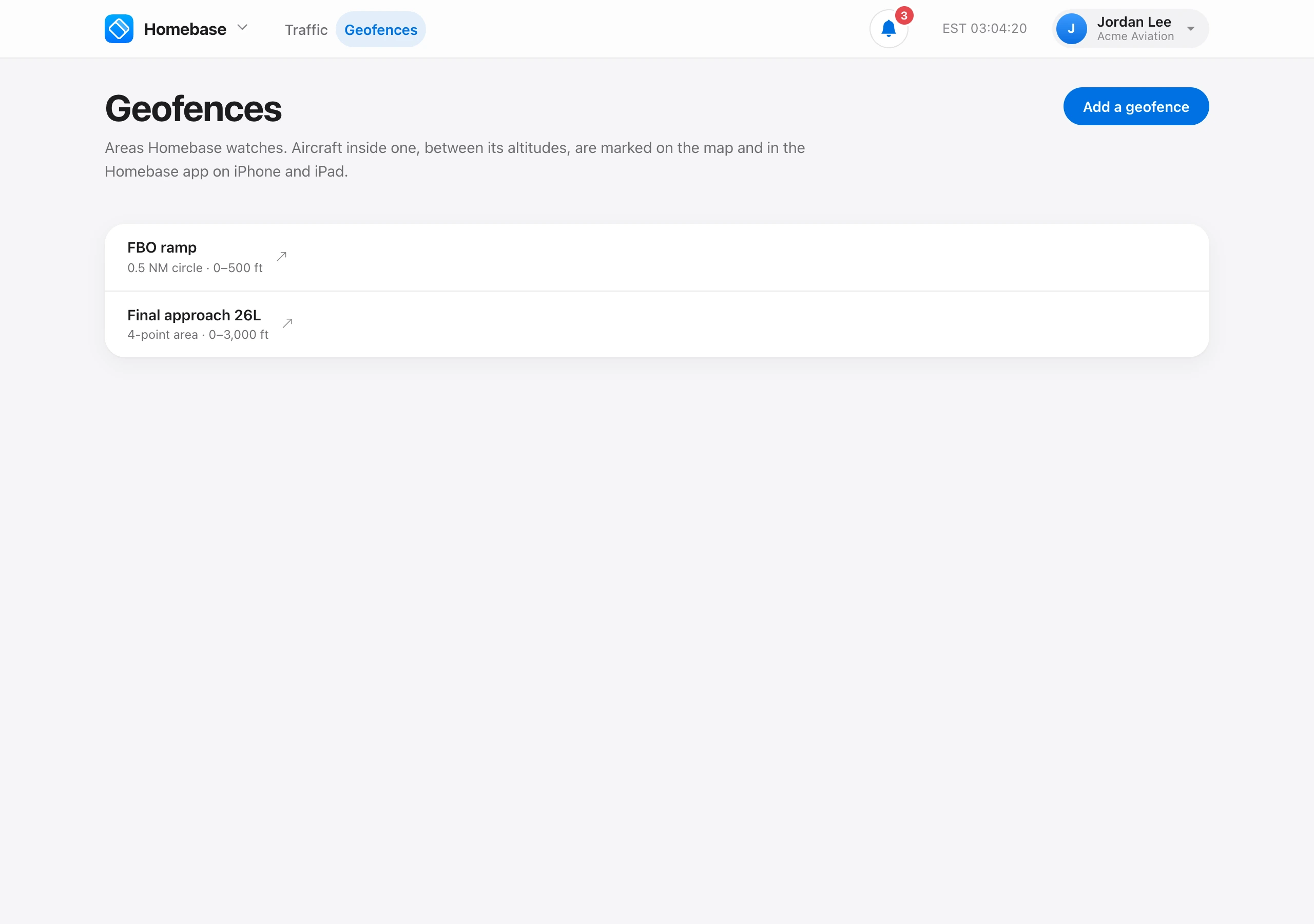
A geofence is an area Homebase watches. Aircraft inside one, between its altitudes, are marked on the map and in the Homebase app on iPhone and iPad.
On Homebase → Geofences, choose Add a geofence and give it a name such as “Final approach 19”. Then click the map to place it.
- Circle — click its middle and set the radius in NM.
- Area — click at least three corners. Undo last corner removes the last one.
Set the Lowest and Highest altitude in feet, as aircraft report it. 0 to 3,000 ft around the field catches arrivals on final. You need Manage geofences. Admin and Owner have it by default.
Alerts. Every 3 minutes Aeroframe checks each geofence against the latest positions of the aircraft on your schedule, which Homebase finds while someone has it open. An aircraft entering a geofence raises one alert: the Aircraft passed through a geofence notification, with its tail number, type, and the geofence. It does not alert again for that geofence until it has been out of it for the cooldown, 15 minutes unless it was changed, so an aircraft flying the pattern alerts once. Geofences and alerts are free.