
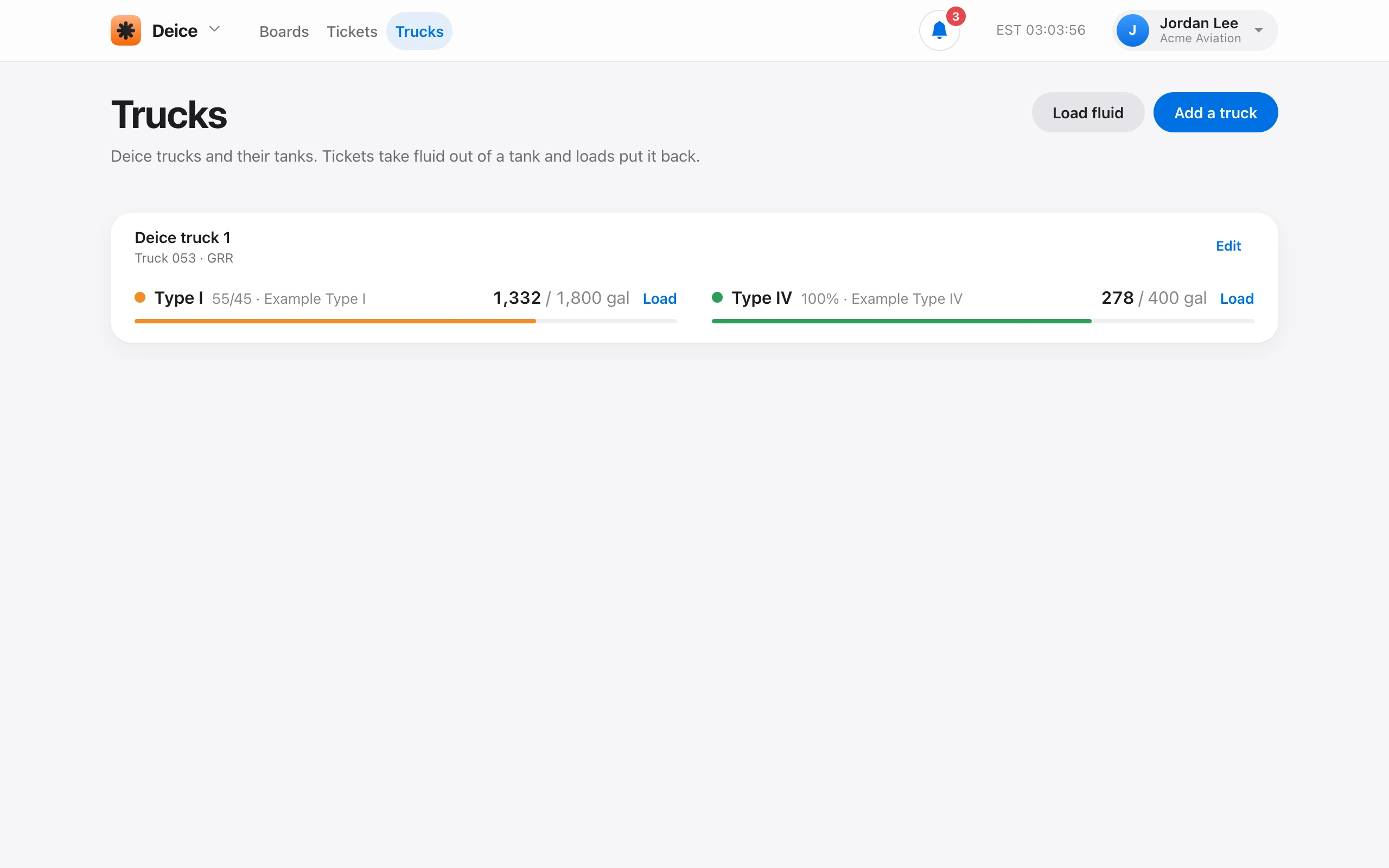
On Deice → Trucks, choose Add a truck. Enter the name (for example Deice truck 1), the truck number, and the station. The station is the airport code shown on the board, and it defaults to your preferred airport.
A truck has one tank for each fluid it carries: Type I, II, III, or IV. Turn on each tank the truck has, then enter its capacity, the gallons in it now, the fluid brand, and the glycol mix. Tickets and loads keep each tank’s level from then on.
Turning a tank off removes it from the truck, but its past tickets and loads are kept. Remove truck takes the truck away. You need Manage deice trucks. Admin and Owner have it by default.