
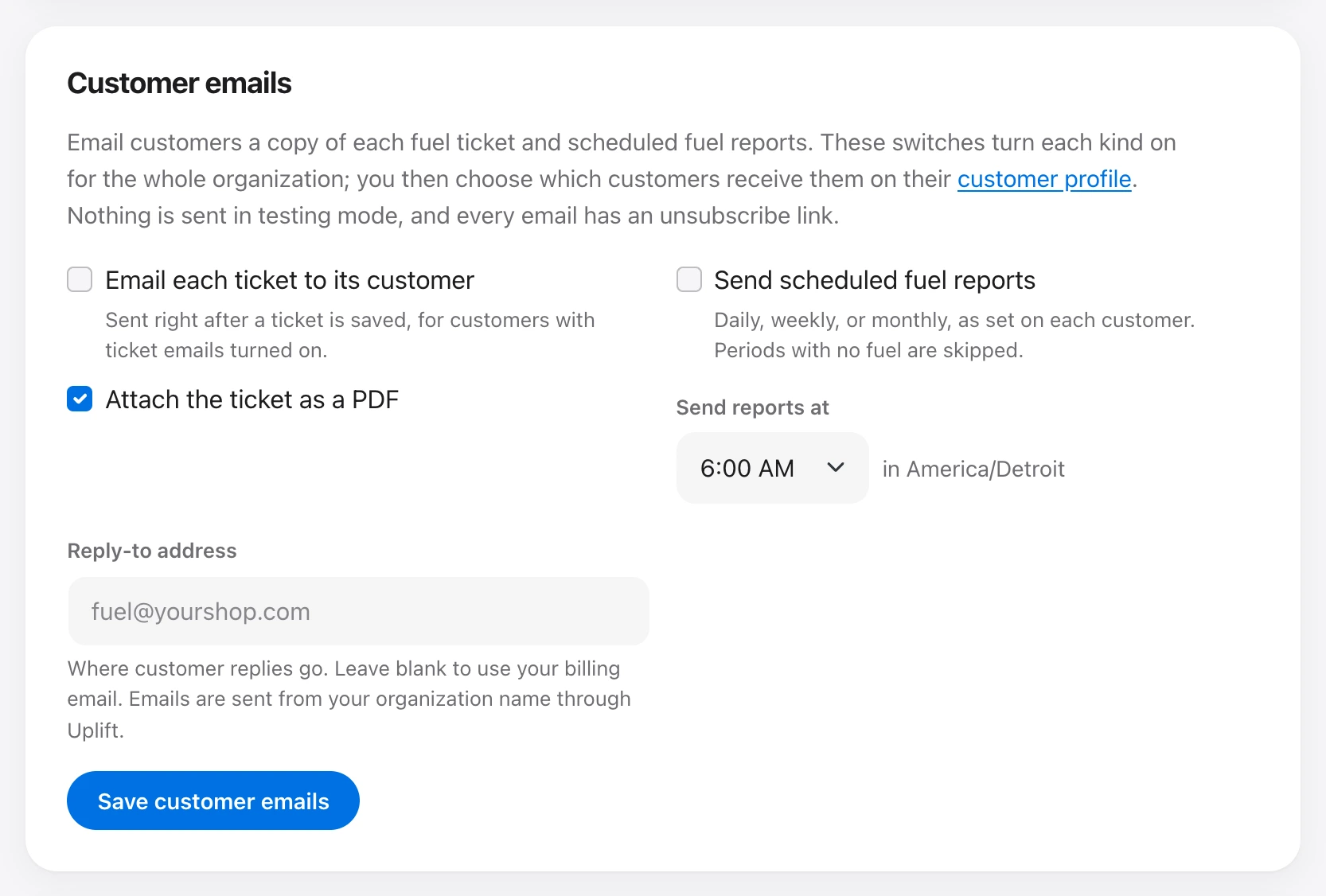
Customer email is off until you turn it on in two places.
- Under Organization → Customer emails, turn on ticket copies, scheduled reports, or both. Set the hour reports go out (in the organization time zone) and a reply-to address. Leave reply-to blank to use the billing email. You can attach the ticket as a PDF.
- On each customer, turn on Email a copy of each ticket and choose a fuel report: do not send, daily (yesterday), weekly (last Monday through Sunday), or monthly (the last full month).
Ticket copies go out right after the ticket is saved. Reports skip periods with no fuel, and they never send a period that ended before the schedule was turned on. Each period is sent once.
Mail comes from the organization name through Uplift. Replies go to the reply-to address. Every email says why it was sent and includes an unsubscribe link. An unsubscribed customer gets nothing, automatic or manual, until someone with Manage customers clears that on the customer page. Nothing is sent in testing mode.
People with Email customers can also press Email to customer on a ticket.