
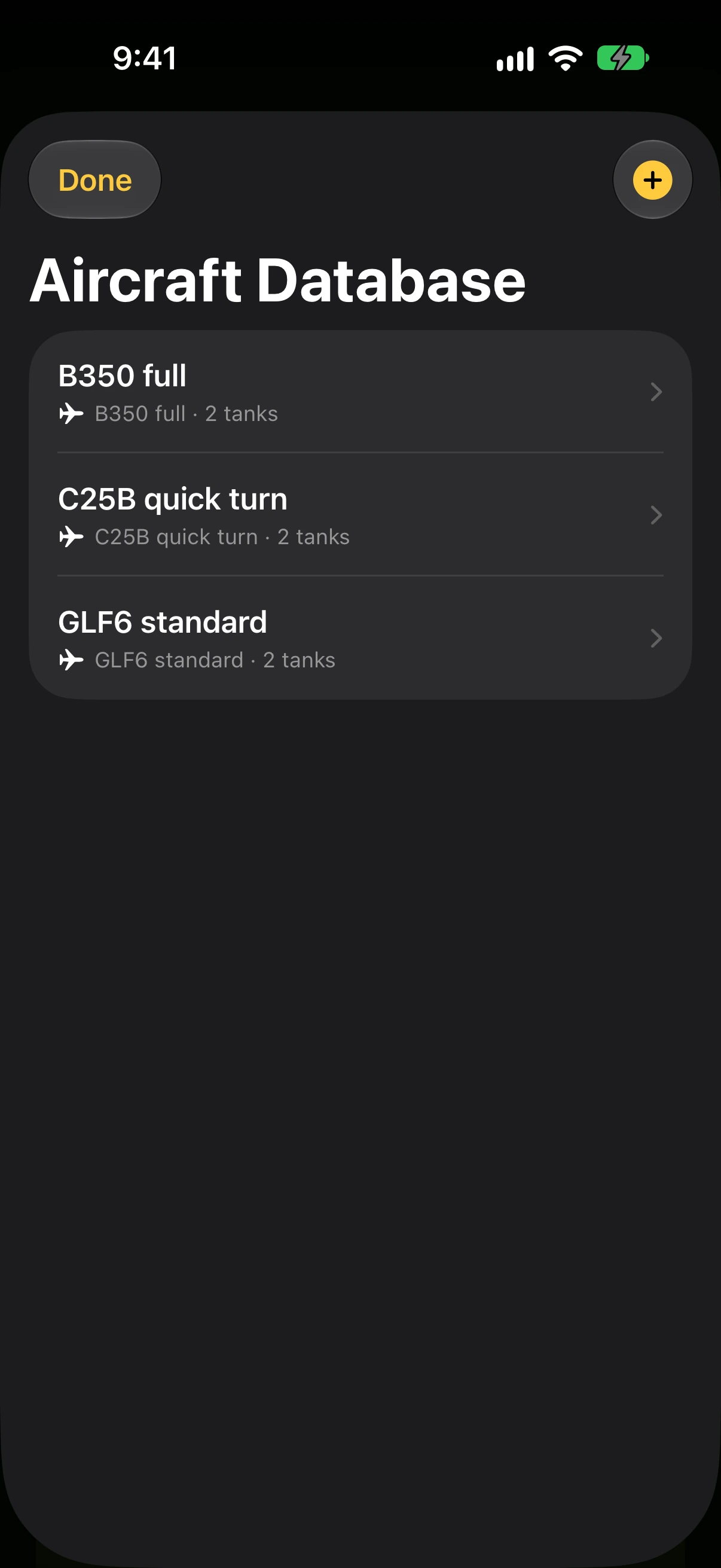
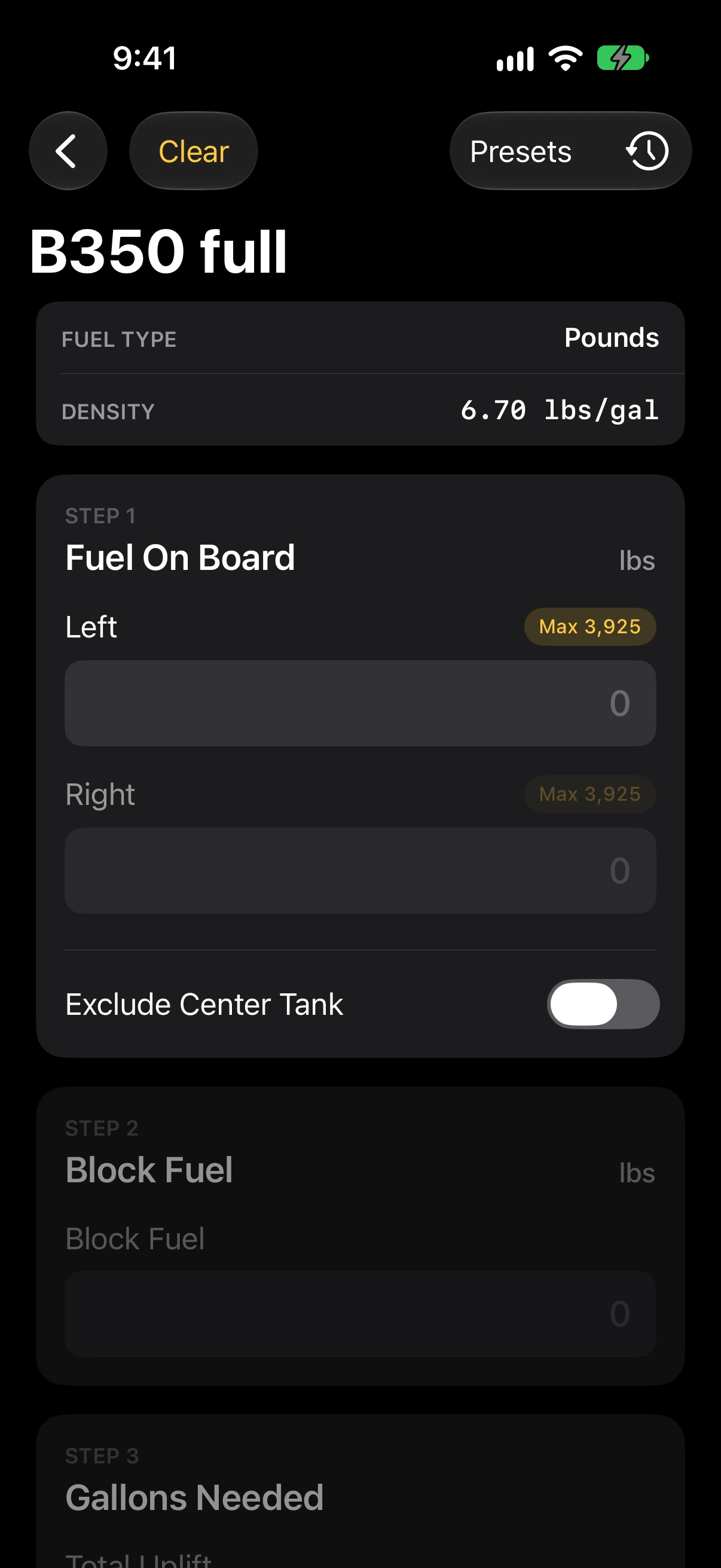
Open Tools → Uplift. Choose an aircraft preset, enter the fuel on board in each tank and the block fuel, and Uplift works out how much to add and the fuel after uplift in each tank. A warning appears when fuel would exceed capacity, when a tank side does not match its name, or when block fuel is at or below fuel on board.
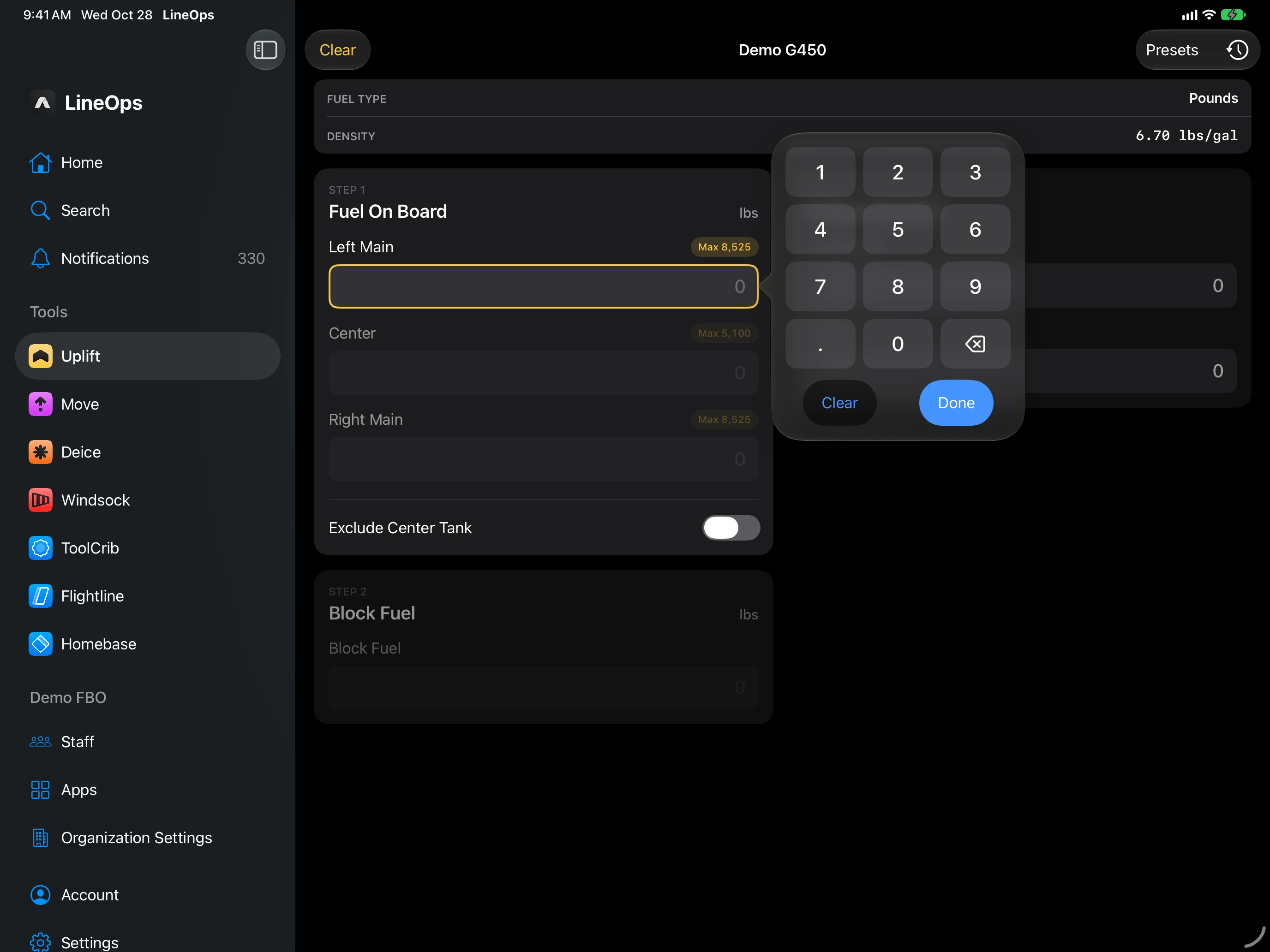
On iPad, number fields open a compact number pad beside the field, with Clear and Next or Done. A hardware keyboard works too. The same pad is used for Deice, Move, Windsock, and geofence numbers.
Presets load from your Aeroframe account and are shared with Uplift Fuel. Organization presets are marked Org and are read-only unless you can manage them. Applying a preset clears the fuel fields for safety.
Calculations with results are saved under History and logged to Aeroframe, so they appear on the web Logs page. Editing the same calculation updates one log. Stats counts them. The current calculation also appears on the Uplift widget and on Apple Watch.