
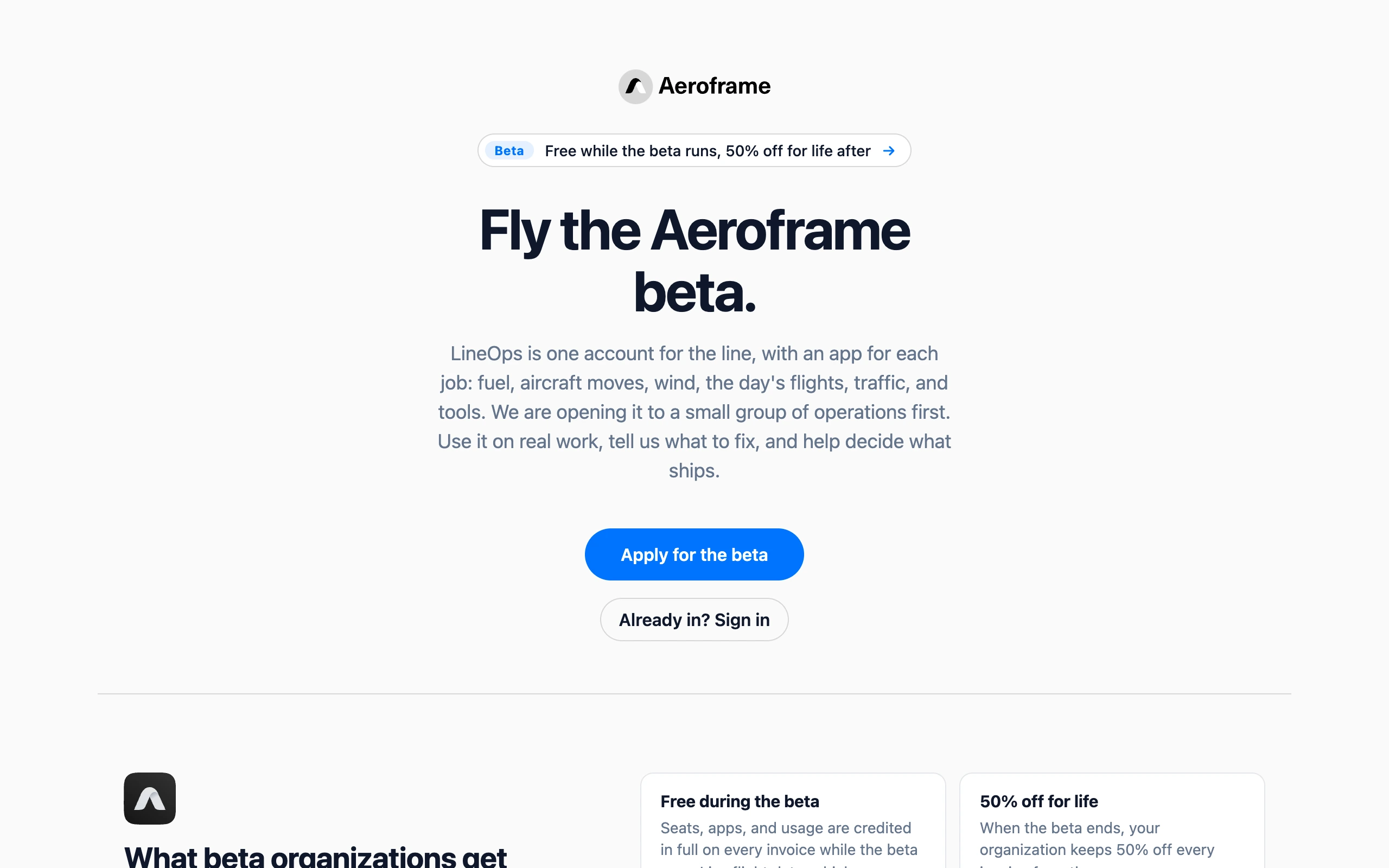
While Aeroframe is in beta, new accounts are by invitation. Apply for the beta with your full name, company name, company email, and why you are applying. A person reads every application, and you get an email either way.
If you are accepted, the email has a link to set a password and name your organization, which works once for 14 days. If you already have an account, you only name your organization. You become its owner, and everyone you add is part of the beta too.
- During the beta — seats, apps, and usage are credited in full on every invoice. The Billing page still shows what it would cost. You still add a payment method to turn on FlightLine and Homebase, add people and apps, and go past Uplift’s free allowance. It is not charged.
- After the beta — sign-up opens, the cycle you are in stays free, and every later invoice has 50% off for life.
A yellow banner on every page says you are in the beta and links to the feedback form.
Aeroframe may run another beta later. Organizations that already graduated keep their 50% discount and are not part of a new beta unless it includes existing accounts, which makes them free again until it ends. Aeroframe can also add an existing organization to a beta that is running. Its current billing cycle is then credited in full, and it graduates with the others.