
Open the tool from Tools, or use the button on its row. When it is available, choose who it goes to under Check out to. It defaults to you, and a crib attendant can pick another member. Add an optional note such as the aircraft or job, then choose Check out.
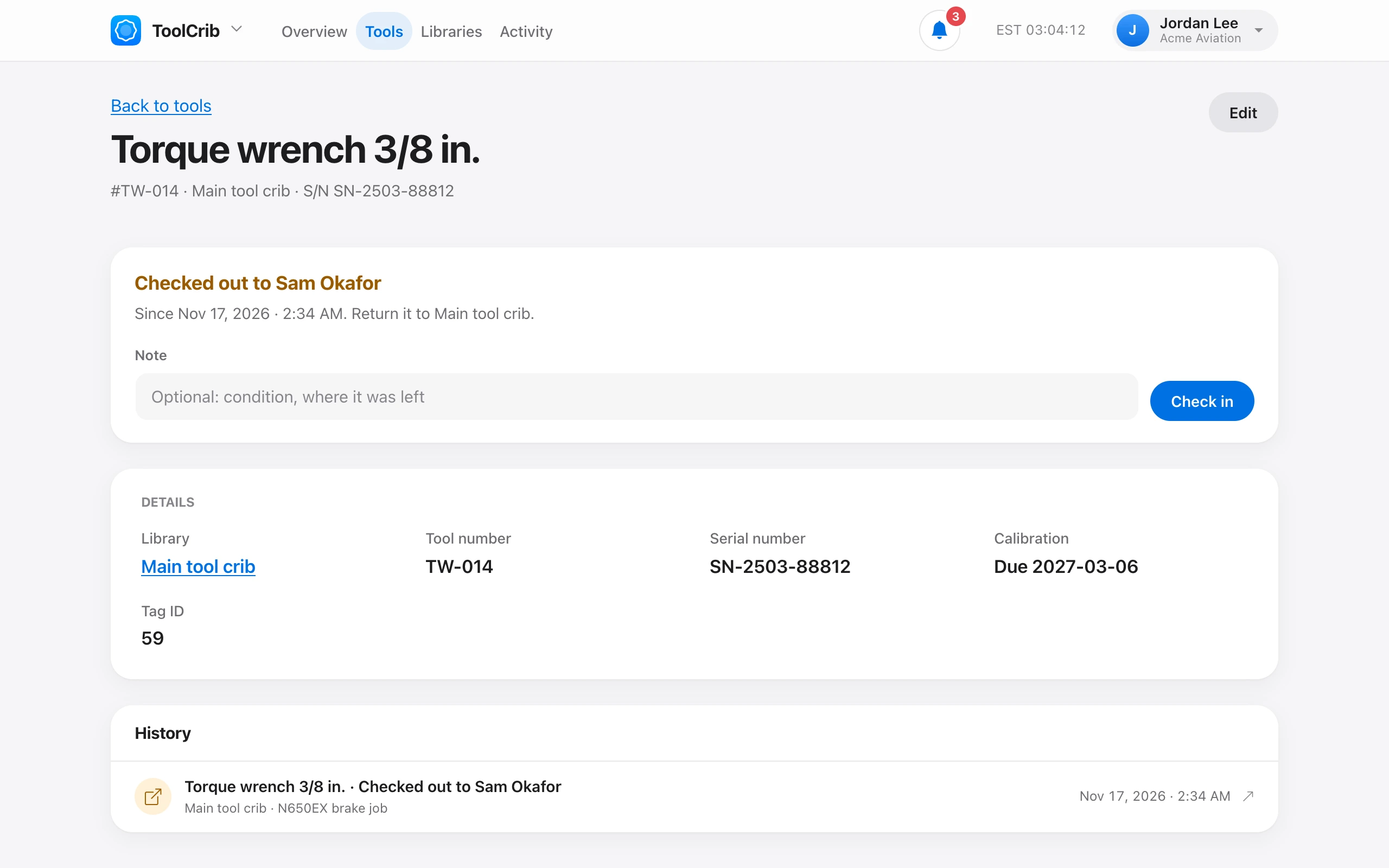
The tool shows who has it and since when. To return it, choose Check in, with an optional note about its condition or where it was left. It goes back to its library.
In the iPhone app, tap the tool’s NFC tag to open it and check it out or in. See ToolCrib on iPhone and iPad. A check-out sends the Tool checked out notification.