
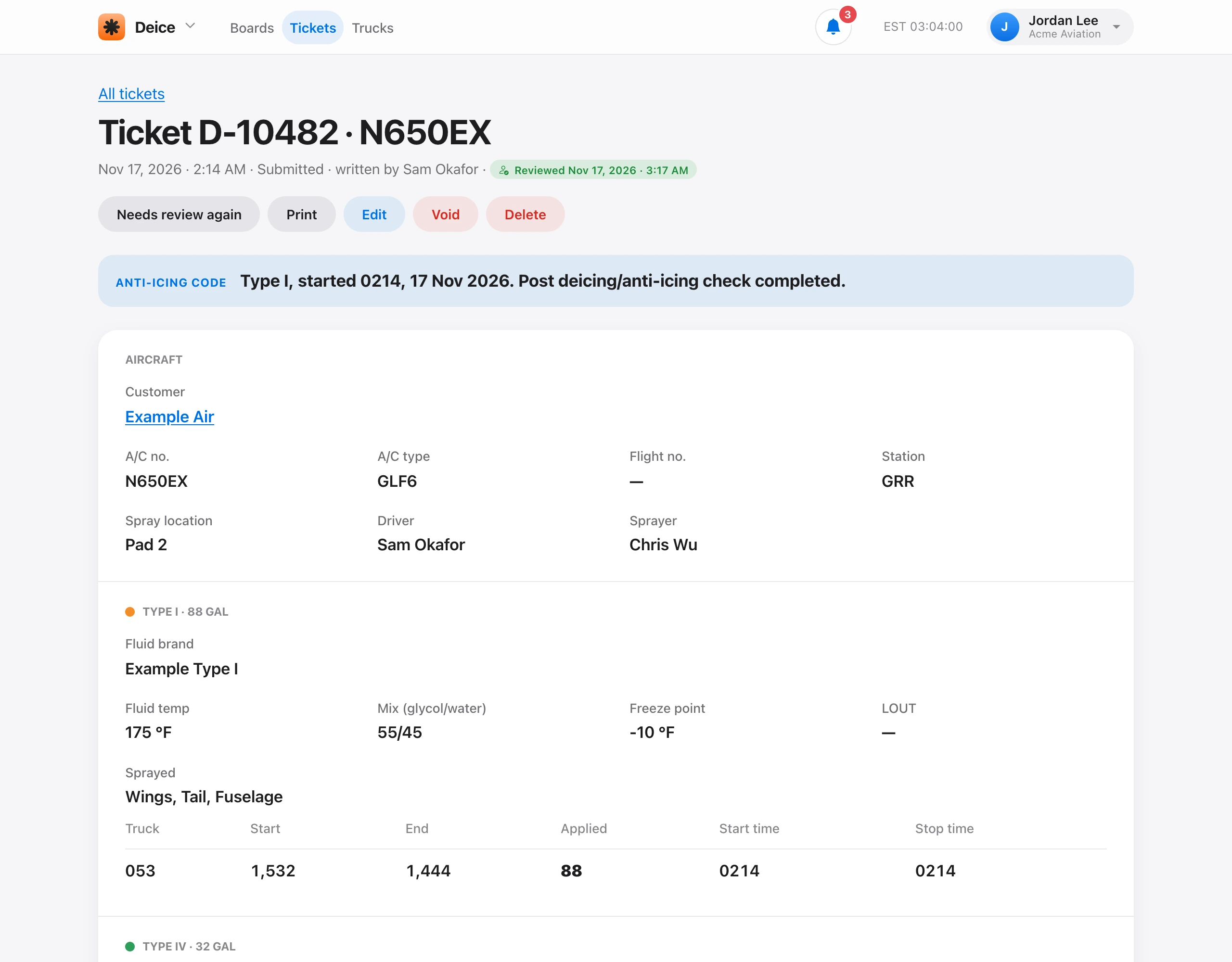
On Deice, choose New ticket. You need a deice truck first. Leave Ticket number blank to use the next number.
Aircraft: the tail, customer, station, aircraft number, flight number, aircraft type, spray location, driver, and sprayer.
Fluids: turn on each fluid you used. For each one, enter the brand, fluid temperature, glycol mix, freeze point, LOUT, and Brix, plus the areas sprayed (wings, tail, fuselage). For Type I, LOUT fills in as the freeze point plus 18 °F. Then add the truck that sprayed it. Up to two trucks can spray one fluid.
- Start gal is the tank gauge before spraying. It fills in from the tank.
- Enter the End gal reading or the Applied gal, and the other is worked out.
- Enter the Start time and Stop time, for example 0751 and 0802.
Conditions and OAT (outside air temperature) come last, then the pilot sign-off. Saving takes the gallons out of the tanks. If a tank would go below empty or over capacity, the ticket is refused unless you check the override. You need Write deice tickets. Tech, Admin, and Owner have it by default. Each new ticket starts as Ready for review. See Review fuel and deice tickets.