
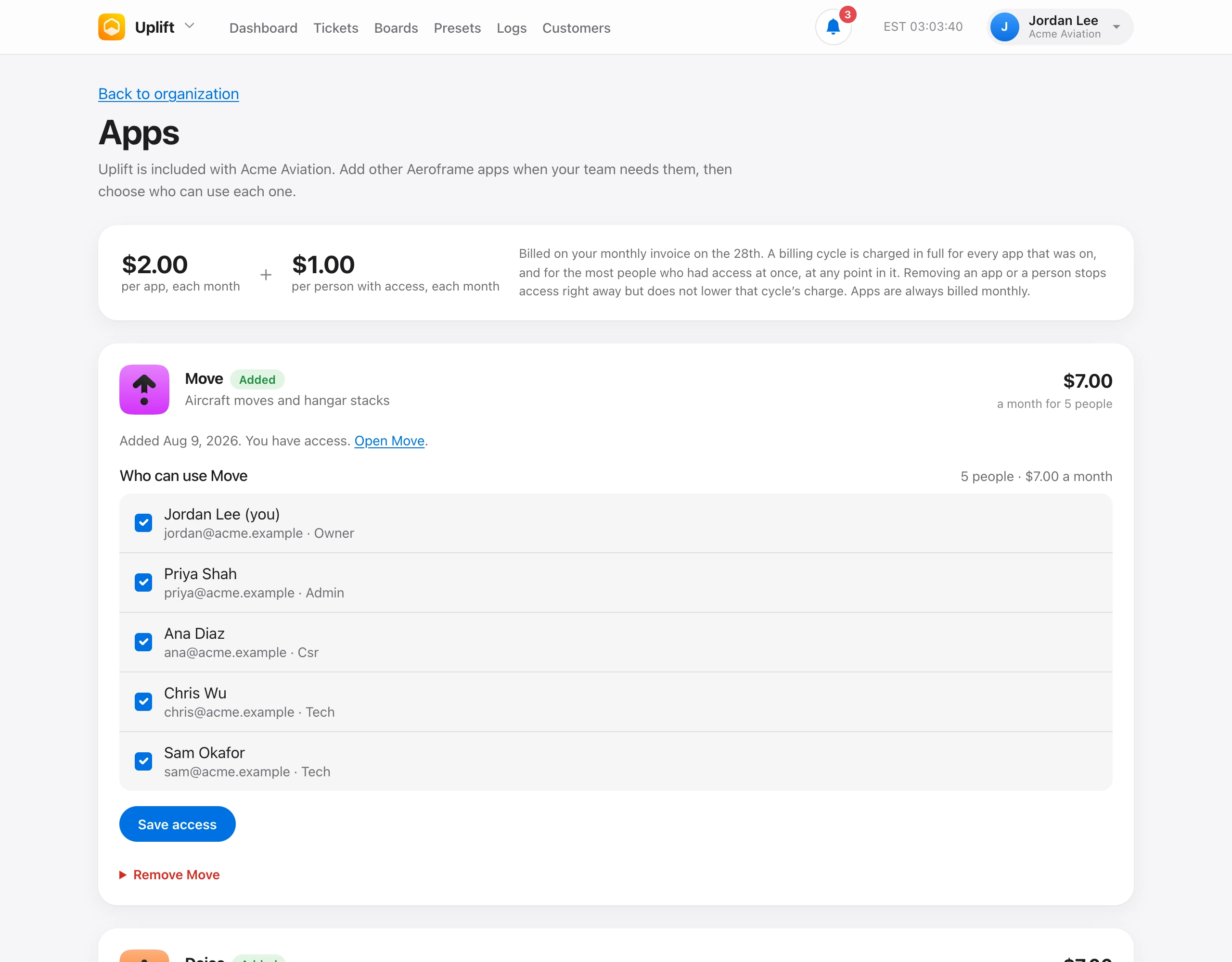
On Organization → Apps, each added app has a Who can use list with every member of the organization. Check the people who need the app and choose Save access. The price on the card updates as you check people.
People who can manage members choose who has access. Those are the same people who can add billable members. Each person with access is $1 a month for that app. Giving access to more people needs a payment method on file.
What someone can do inside an app still comes from their role. For example, Tech can record moves, write deice tickets, schedule flights, and check tools out. Admin can also set up hangars, deice trucks, Windsock stations, tool libraries, and Homebase geofences. See Roles and permissions.
Someone without access who opens an app sees a page that explains why and who to ask.